

Time in My Winter Car causes confusion for many players because the clock system, the lighting, and the winter setting all work together in a way that feels unfamiliar. The game recreates early January in northern Finland, which brings long nights, low sunlight and a day that appears shorter than the clock suggests. Once you understand how the time cycle operates, the entire world becomes easier to read and plan around.
A Winter Setting With Naturally Short Days
The game takes place in early January, when daylight in northern Finland stays scarce. The sun rises late and sets early. Even during the day, the sun barely lifts above the horizon, which creates the dim lighting players often mistake for evening.
This is why you might feel like most of the day is spent in darkness. The environment reflects the real season rather than a balanced game cycle. Twilight stretches across the morning and afternoon, giving you a narrow window where visibility truly improves.
Time Moves in One Hour Increments
The in game clock advances in one hour jumps. Instead of running continuously, the game shifts from one hour to the next in clean steps. You notice this when saving the game because saving pushes the clock forward by up to one hour.
This pacing differs from My Summer Car, where the cycle used two hour jumps. In My Winter Car, the rhythm feels slower and more deliberate. The structure stays consistent, so once you get used to the one hour pattern, time feels predictable.

Daylight and Darkness Across the Day
Daylight usually appears around eight or nine in the morning. Darkness begins to settle again between three and four in the afternoon. The short daylight window matches the season and explains why the world looks darker than players expect.
Because the sun stays so low all day, the lighting never reaches the bright, high noon level familiar in other games. The world keeps a muted tone throughout the day, which contributes to the impression that time is slipping faster than it is.
How to Check the Time in My Winter Car?
Understanding the time cycle becomes easier once you know how to read the in game time accurately. The game provides a few ways to check the current hour, but players often overlook the differences between them.
Wristwatch
Holding the U key brings up your wristwatch. It uses a 12-hour face without clear indicators for morning or evening. Because the world stays dark for much of the day, many players struggle to tell if they are looking at early morning or late night.
Alarm Clock
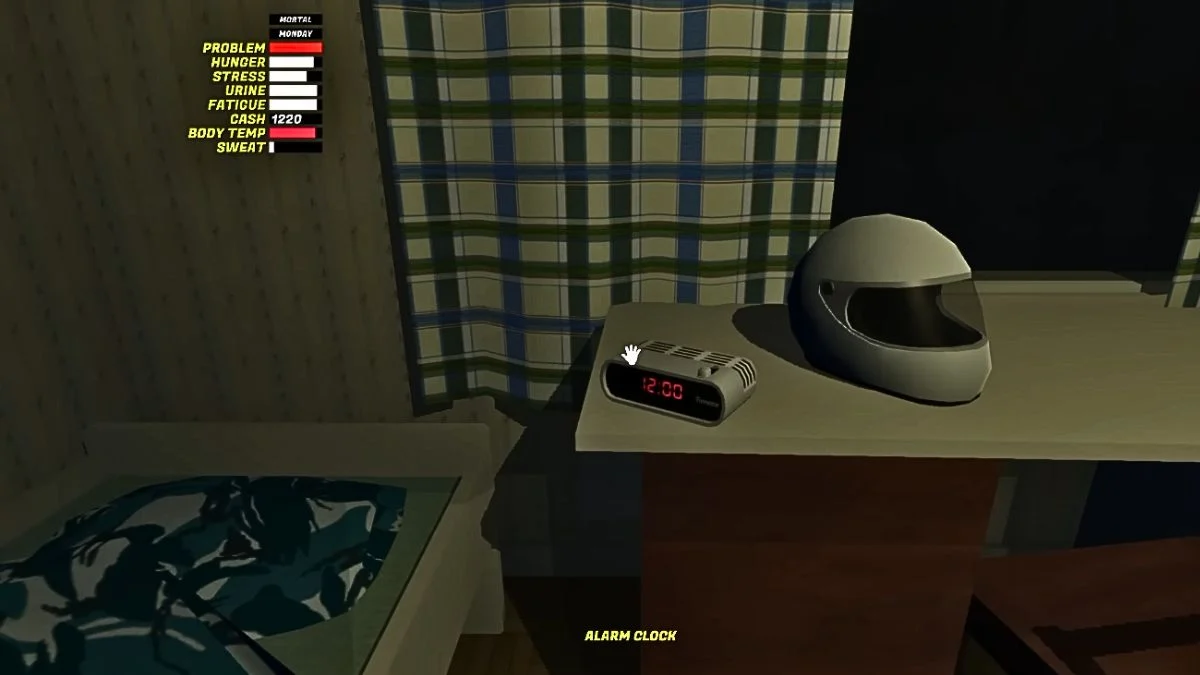
Players quickly noticed that the alarm clock is one of the few reliable ways to tell whether it is morning or evening when using 12 hour clocks. It gives you a reference for AM vs PM, which becomes helpful when the environment’s lighting stays dark for long stretches.
Television Clock
The most dependable source of time is the television, which displays time clearly. Turning on the TV and pressing F on the remote reveals the current in game time at the top of the screen.
More Trending Guides:


Leave a Reply