

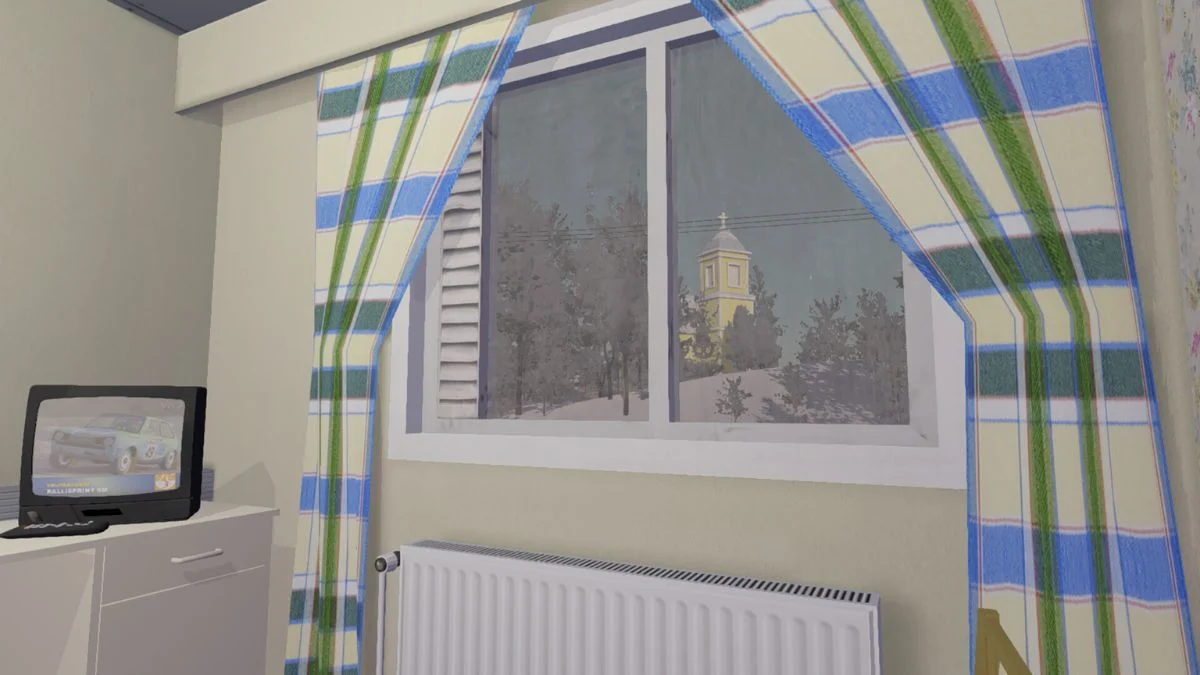
Sleep feels simple in most games, yet My Winter Car treats it as something you must earn. You only rest when your surroundings hold enough warmth and your needs stay under control. When the temperature drops, the game refuses to let you sleep, even when your fatigue meter is full and your heaters blast at thirty degrees. If you try and nothing happens, you stand there confused, cold, and frustrated.
This guide brings clarity to that confusion. It shows you how the game’s heating system works, why your sleep prompt disappears, and what you can do when everything seems right but the game still rejects your attempts.
Why My Winter Car Won’t Let You Sleep
You usually fail to sleep because the temperature around you sits too low. The game checks your warmth before it checks your fatigue, and if you are cold, the sleep prompt never appears. Even with your thermostat maxed out, the room warms up slowly. If the pipes freeze, the heat fails entirely, and you remain stuck in a cold loop.
Other factors can block sleep too. Hunger that climbs too high or a problem meter that reaches uncomfortable levels stops the sleep option. Even then, the game gives no message, so you stand beside the bed and wonder what went wrong.
Step One: Warm the Room Before You Try to Sleep
Warmth takes time in My Winter Car, and each room works with its own radiator. If you want the bedroom to heat properly, turn that radiator on long before your fatigue bar reaches the limit. You find the switch on the side of the radiator. Give the room time, because rapid heating does not exist here.
If you sleep at the parents’ house, remember that the fireplace matters. Keeping it lit raises the temperature across the rooms and helps heat reach the pipes. Some players found that the house refuses to warm unless the fire stays active. If the radiator alone does nothing, the fireplace often solves it.

Step Two: Check for Frozen Pipes
Frozen pipes create many sleep issues. Your radiators might show thirty degrees, yet nothing heats up. When the pipes freeze, you must warm the entire house again. Keep the heat on and use the fireplace until the temperature climbs. The small thermometer in the kitchen window helps you track progress. This takes patience. Once the pipes thaw, you can finally raise the room temperature for real.
Step Three: Hold the F Key
Some players overlooked one simple detail. The sleep prompt appears only when you hold the F key for several seconds. A quick tap does nothing. If you stand beside the bed, the couch, or the seat you want to use, hold the key down. After a brief pause, the sleep message appears and the screen fades.
It sounds almost trivial, but many players fixed their problem this way.
Step Four: Keep Your Needs Low Enough
You cannot sleep if your hunger or problem meter climbs too high. Both stop the sleep interaction even when the room feels warm and comfortable. Eat something, reduce your stress, and let the game reset your condition before you return to bed. Sleep belongs to a calm state.
Step Five: Use Emergency Sleep Spots
If your home refuses to heat, you can rest in warmer locations. Some players placed a found couch inside the Teimo bar and slept there, since the bar stays warm at all hours. You can do the same near a fireplace by placing a couch or chair in front of it and sleeping right beside the flame.
It feels improvised, but it works while you figure out the long-term fix for your home temperature problems.
Step Six: Restart if a Bug Locks You Out
Sometimes you do everything right and the game still denies you rest. Early Access brings occasional bugs. If the heat works, your hunger stays low, your fatigue sits full, your F key stays held, and nothing changes, restart the game. Many players reported that a fresh load fixes the issue immediately.
If All Fails: Give the Game Time
Sleep in My Winter Car depends on warmth, and warmth depends on time. When your home or car falls to freezing temperatures, recovering from that cold feels slow. Let the heaters run. Keep the fireplace active. Avoid saving during the heating process, because some players noticed the heat resets after a save.
You do not need perfect heat. You only need enough for the game to accept that you feel safe and warm.
More Trending Game Guides:


Leave a Reply