

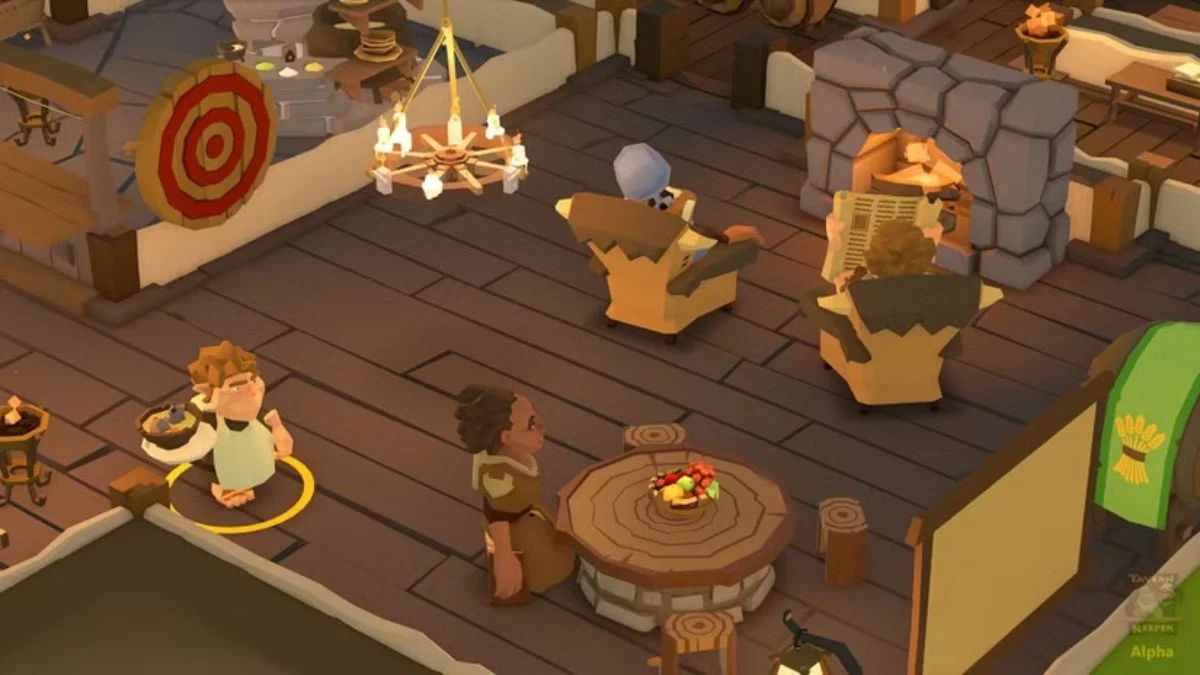
In Tavern Keeper, chefs occasionally report the dreaded “can’t find a plate” message. This frustrating error can disrupt food preparation and slow down service, but it usually stems from simple placement issues in your tavern layout.
In This Post:
Why Chefs Can’t Find Plates?
The error typically occurs when a food window or serving area is partially blocked. Even small obstructions, like a table or chair slightly overlapping the space, can prevent chefs from accessing plates or completing orders.
How to Fix the Problem?
- Check for Obstructions
Look around your food windows and serving areas. Move or rotate nearby tables, chairs, or decorations that could be interfering with your chefs’ path. - Reposition the Food Window
If clearing space doesn’t work, try selling and placing the food window again. Sometimes resetting the window in a slightly different spot restores normal functionality. - Test with Movement
Walk your chefs near the food window to ensure they can reach it without obstruction. Adjust nearby furniture if needed to maintain a smooth workflow.
Pro Tips
- Plan Layouts Carefully: Avoid placing furniture too close to serving areas.
- Regular Checks: After adding new items, verify that chefs can still access plates.
- Multiple Windows: If using multiple food windows, ensure each has clear access to prevent repeated errors.
By keeping your food windows unobstructed and strategically positioned, your chefs can serve meals efficiently, avoiding the “can’t find a plate” headache entirely.
More Trending Game Guides:


Leave a Reply