

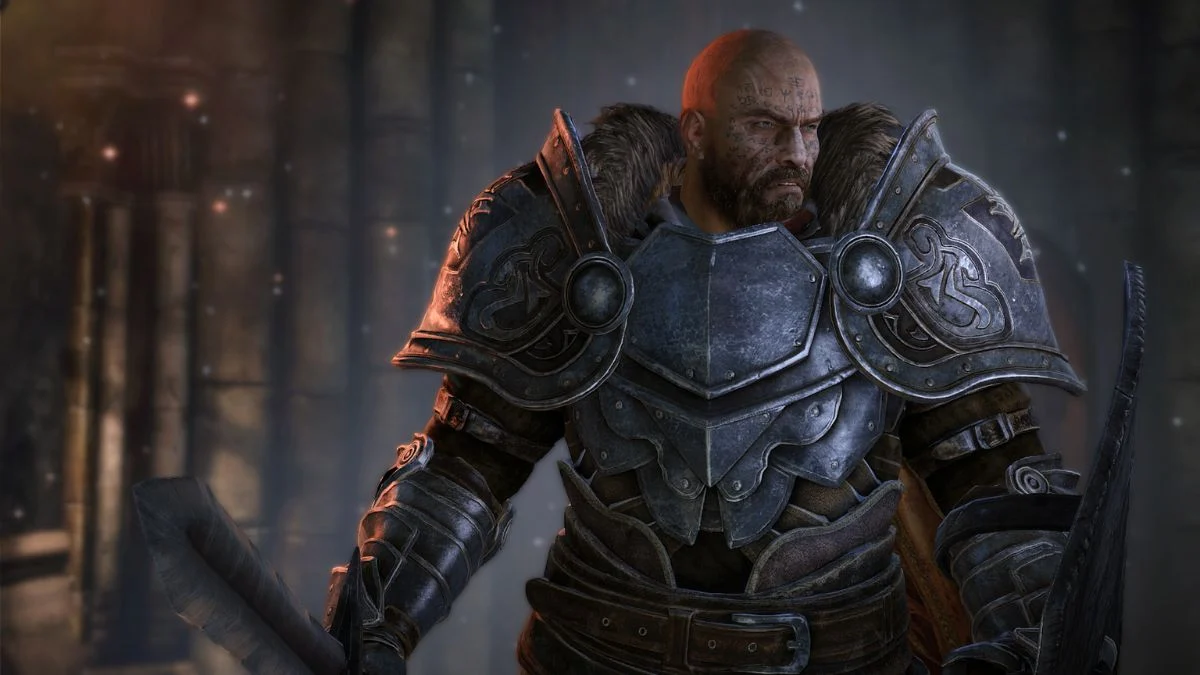
Lords of the Fallen thrives on shared struggle. Every trek through Mournstead grows sharper when you have someone at your side, whether you face a brutal boss or explore a quiet corner of Umbral. Because of that, the question of crossplay arises for many players: Can you join friends on other platforms? With Update 2.0 (that took place back in 2025) shaping the game into its strongest form yet, the answer is more straightforward than it used to be.
This guide looks closely at how cross-platform play works, what changed with the new patch, and what you can expect when you set out to connect with friends across PS5, Xbox and PC.
Lords of the Fallen Crossplay
Lords of the Fallen supports crossplay, though each platform relates to the others in different ways. The system feels more open than at launch, and Update 2.0 expanded it even further.
Here is the current state of cross-platform play in January 2026:
• PC players can play with both PS5 and Xbox Series X|S
• PS5 players can play with PC, and also with other PS5 players
• Xbox Series X|S players can play with PC, and also with other Xbox players
PS5 and Xbox cannot connect directly without PC in the mix unless you both meet the update’s new conditions and connect through the shared progression co-op structure. Early versions of the game limited crossplay sharply, especially between consoles, which led to confusion.
Update 2.0 fixed many of those old issues. Players on PS5 and Xbox Series consoles have now confirmed successful crossplay sessions when they use the same co-op password and follow the updated co-op flow.

How Crossplay Works in Lords of the Fallen
The co-op structure relies on the Vestige system. You summon or accompany another player after you set the same multiplayer password. This keeps your session private and helps you join the exact partner you want.
To make cross platform co-op work, you need to follow three steps:
1. Set the Same Multiplayer Password
Open your online settings and choose a shared password. This is how the game identifies which partners should connect.
2. Use a Vestige to Start Co-op
Choose Accompany if you want to be summoned, or Summon if you host. Each option places you in the correct matchmaking pool.
3. Stay on Matching Story Progress
Update 2.0 introduced shared-progression co-op, which allows both players to keep their story progress as long as they are in the same New Game tier and have cleared a similar number of main bosses.
Once these conditions match, the connection forms quickly across PC and console platforms.
What Update 2.0 Changed for Crossplay
Version 2.0 stands as a significant shift in how multiplayer works. Several features reshape cross platform play:
Shared-Progression Co-op
Both players now keep story advancement, vigor and all collected loot. You and your partner can move through the game together without worrying that only one of you benefits from the progress.
Free Friend’s Pass
You can invite a friend who does not own the game. They keep their character progress and loot from the session and gain access to offline character creation and the tutorial.
Smoother Combat and Movement
Improved animations, better lock-on, refined dodges and a dedicated jump button all make co-op more fluid. When you fight beside someone, these changes feel noticeable.
Streamlined Interface and Guidance
A cleaner HUD and improved Umbral Lamp navigation help you stay aligned with your partner, especially during harder zones.
These updates make crossplay sessions more stable and far easier to manage than before.
More Trending Gaming News & Guides:


Leave a Reply