

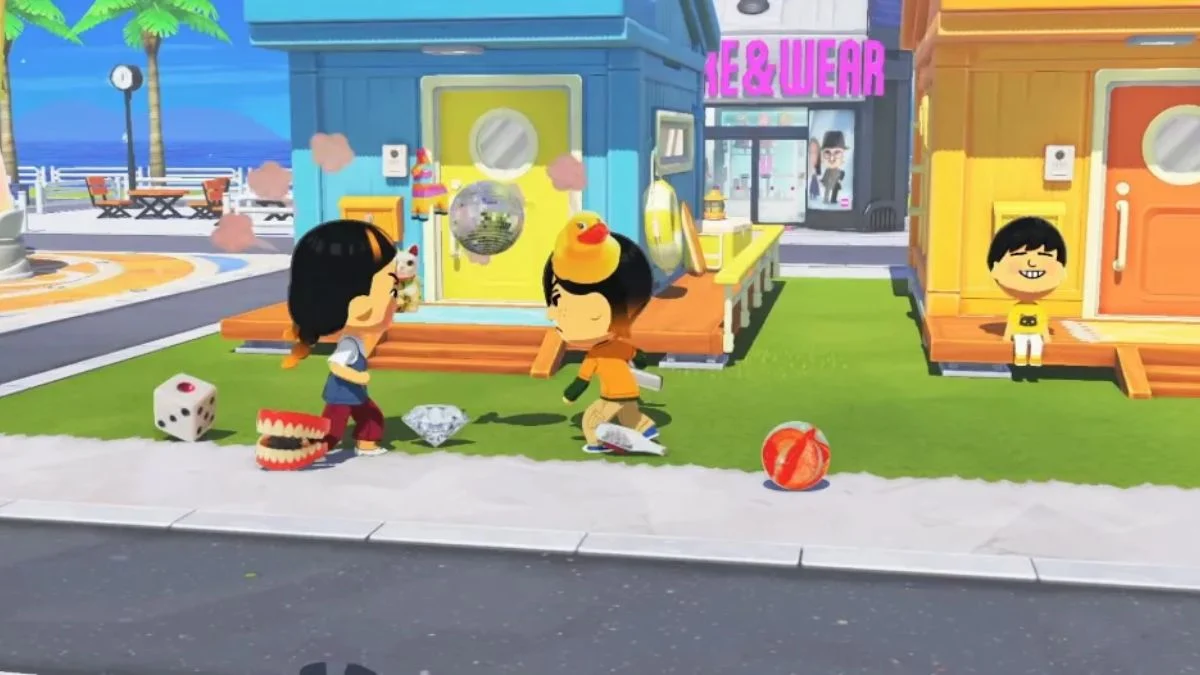
Sometimes a fresh start is exactly what you need, whether your island feels cluttered, you want to try a completely different layout, or you simply want to begin again from scratch. Tomodachi Life: Living the Dream on Nintendo Switch 2 does not offer an in-game reset button, but deleting your island is straightforward once you know where to look. Here is everything you need to know before you wipe your save data.
Important Warning Before You Delete An Island in Tomodachi Life: Living the Dream
Deleting your island save data is permanent and cannot be undone. Once you confirm the deletion, everything tied to that save file disappears, including all your Miis, island progress, custom items, relationships, and any unlocked decorations or buildings. Note that deleting your save data only removes your progress and island, not the game itself. Your purchased copy of Tomodachi Life: Living the Dream remains on your console and you can start a new save at any time.
Also make sure you are deleting the save data for the correct Nintendo Switch user account if multiple people share the same console, and read the backup and Parental Controls notes below before proceeding.

Back Up Your Save Data First
If you subscribe to Nintendo Switch Online, you can back up your save data to the cloud before deleting. This gives you a safety net in case you change your mind after the fact. To check or enable cloud backup, go to System Settings, select your user profile, and look for Save Data Cloud settings. It is worth doing this step before anything else, particularly if you have spent significant time on your current island.
Parental Controls Note
If Parental Controls are active on your Nintendo Switch 2, you may need to enter the Parental Controls PIN before the system allows you to delete save data. This is especially relevant for families or shared consoles. If you run into a PIN prompt during the process, you will need the PIN holder to approve the deletion before you can continue.
How to Delete Your Island in Tomodachi Life: Living the Dream
The deletion process takes place entirely through the Nintendo Switch System Settings, not from within the game itself. Here are the exact steps to follow:
- Step 1: Close Tomodachi Life: Living the Dream completely before you begin. The game must not be running in the background.
- Step 2: Open System Settings from your Nintendo Switch home screen.
- Step 3: Scroll down the menu and select Data Management.
- Step 4: Choose Delete Save Data from the available options.
- Step 5: Find and select Tomodachi Life: Living the Dream from the list. Make sure you select the full game and not the Welcome Version, which is the free demo.
- Step 6: Select the user account whose save data you want to delete. If you are unsure which account is yours, go to System Settings then Users to check.
- Step 7: Select Delete Save Data and confirm your choice.

Once the deletion completes, open Tomodachi Life: Living the Dream again and your island will start completely fresh, as if you are playing for the very first time.
What Gets Deleted
It helps to know exactly what disappears when you delete your save data:
| What Gets Deleted | Details |
| All Miis | Every islander you created or added |
| Island Progress | Level, Warm Fuzzies, all unlocks |
| Custom Items | Clothing, food, songs, and creations |
| Relationships | Friendships, romances, marriages, families |
| Decorations and Buildings | Everything placed on your island |
| In-game Currency | All cash accumulated |
| What Does NOT Get Deleted | The game itself remains on your console |
None of the save data can be recovered after deletion unless you have a cloud backup through Nintendo Switch Online.

What If You Just Want to Redesign, Not Reset?
If your goal is not a full reset but rather a blank canvas to redesign your island layout, deleting your save data may be more drastic than necessary. Tomodachi Life: Living the Dream includes an Island Builder tool that lets you move, rearrange, and store objects without losing your Miis or progress.
The Island Builder becomes accessible early in the game through Quik Build, which is one of the first buildings you unlock as your island grows. You gain access to it naturally as you populate your island and progress through the early stages, so you will not have to wait long before the full redesign tools are available to you.
Here are a few things the Island Builder lets you do without deleting anything:
- Move Mii houses to different locations on the island.
- Store decorations and objects individually or in bulk using the multi-select tool.
- Redesign paths, terrain, and landscapes using the grass, sand, and water tools.
- Batch store multiple items at once by switching to multi-select mode, dragging to highlight everything you want cleared, pressing Plus to confirm, and then storing them all in one action.
So if you want to start your island layout over without losing your Miis and their relationships, the Island Builder is the better option. However, if you genuinely want a clean save from the very beginning, deleting your save data through System Settings is the only way to do it.

Starting fresh in Tomodachi Life: Living the Dream is a perfectly valid choice, and now you have everything you need to do it cleanly. Just remember to back up your data through Nintendo Switch Online if you want the option to reconsider, confirm you have any required Parental Controls PIN on hand, and make sure you are truly ready before you confirm the deletion.


Leave a Reply