

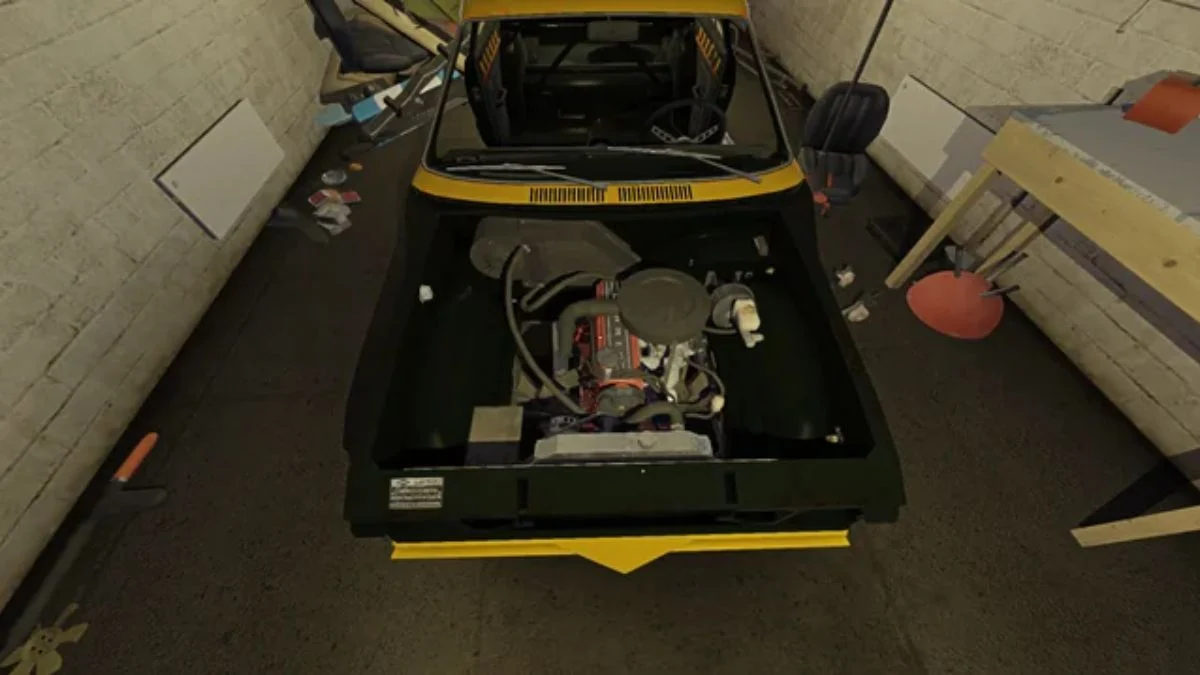
Brakes define whether your Satsuma feels controlled or terrifying. In My Winter Car, installing brake lines looks simple on paper, yet it quietly tests your understanding of part compatibility and installation order. Many builds fail here not because of bugs, but because the game expects precision and patience.
This guide walks you through installing brake lines correctly, explains why boosted setups confuse so many players, and clears up related issues like the ignition coil and battery confusion that often appear at the same stage of the build.
Understanding Brake Systems Before You Touch the Wrench
Before installation, you need clarity on one rule that governs the entire process.
My Winter Car includes two brake systems:
- Unboosted brake master cylinder
- Boosted brake master cylinder with brake booster
Each system requires its own specific brake lines. The game does not allow mixing. If you try, the checkmark never appears, no matter how carefully you align the part.

Brake Line Types Explained
You will encounter two visually similar but functionally different parts:
- Brake Line A which works with the boosted brake master cylinder
- Brake Line B which fits the unboosted setup
A simple way to tell them apart involves placing both upside down on a table. The correct boosted brake lines feature longer sections that route toward the firewall. Shorter lines belong to the unboosted system.
Where to Get Brake Lines
Brake lines appear through:
- Classifieds magazine
- AMIS catalog
- Fleetari’s shop
The game delivers parts randomly, so you may need multiple orders. If you are around week 10 or 11, missing parts often trace back to bad luck rather than a broken save.
If you want to avoid VIN matching entirely, you can skip boosted brakes altogether. Unboosted brakes lock up more easily but still function reliably and simplify installation.
Step-by-Step: Installing Brake Lines Correctly
Step 1: Install the Brake Master Cylinder First
Open the hood and place the brake master cylinder in its mounting position on the firewall. Tighten all bolts fully. The game will not accept brake lines until this step is complete.
Step 2: Add the Brake Booster If Using Boosted Brakes
If your setup includes boosted brakes, install the brake booster before attempting any lines. The booster shifts the mounting position slightly, which explains why unboosted lines never fit afterward.
Step 3: Attach the Correct Brake Lines
Pick up one brake line at a time and bring it to the master cylinder.
- If the checkmark does not appear, stop
- Try the other brake line
- Confirm you matched boosted with boosted or unboosted with unboosted
Once aligned correctly, screw the lines in fully. Partial tightening prevents the system from registering as installed.
Common Problems That Block Installation
“I Can’t Install Both at the Same Time”
This happens when you attempt to install mismatched components. The game blocks installation silently. Always confirm both the brake master and brake lines belong to the same system.
“The Checkmark Never Appears”
Check three things:
- You installed the master cylinder first
- You chose the correct brake lines
- No bolts remain loose
“I Installed the Wrong Parts Earlier”
If the save feels locked, external tools like MWC Editor can fix missing flags. Editing carparts.txt allows you to correct ownership states, especially for batteries or critical components that refuse to register.
Ignition Coil Placement, Finally Explained
Many players hit confusion here while working on brakes.
The ignition coil mounts behind the driver-side headlight, next to the radiator. The placement feels unintuitive, but once installed correctly, wiring proceeds normally.
Battery Issues That Stop Progress Cold
If the battery refuses to install:
- Unscrew both terminals fully before placing it
- Confirm you purchased a battery and not an empty slot
- If the game still fails to recognize it, MWC Editor can flag carbattery0 as owned once the battery exists in your save
Without a working battery, wiring and first ignition attempts remain impossible.
Why Brake Setup Shapes the Entire Drive
Brakes affect more than stopping distance. They influence confidence, corner entry, and how aggressively you can push the car on dirt or asphalt. Boosted brakes reduce pedal effort but punish mistakes faster. Unboosted brakes forgive errors but demand finesse.
Choose the system that matches how you drive, then commit fully to its parts.
More Trending Game Guides:


Leave a Reply