

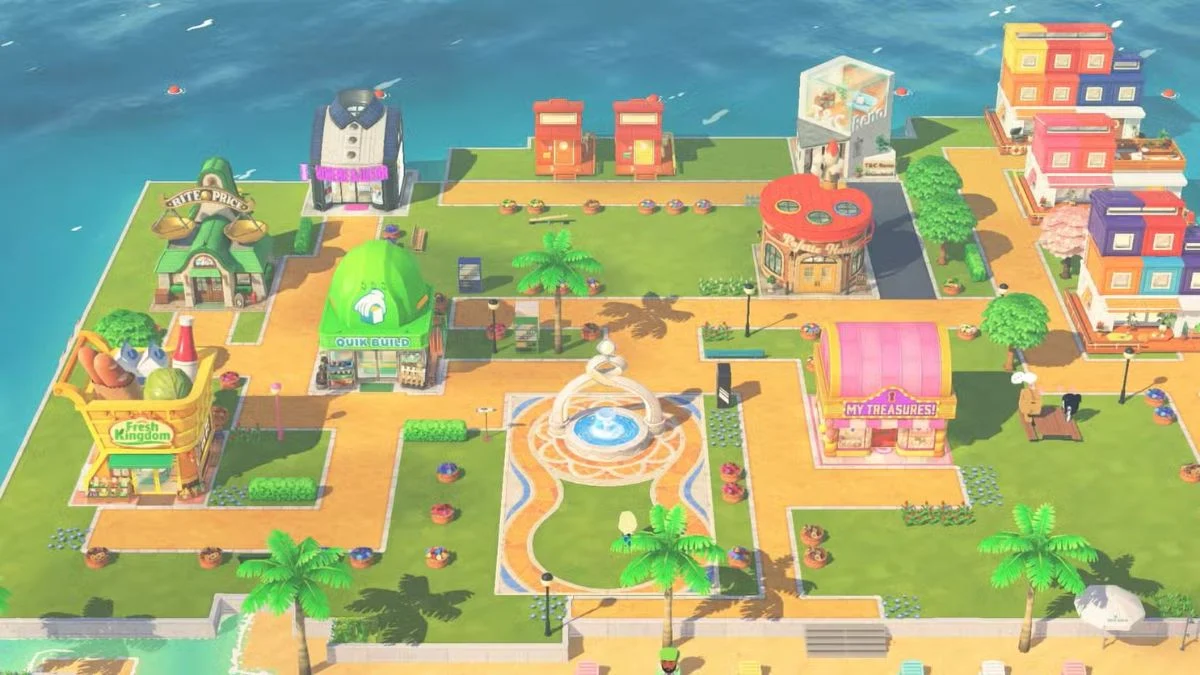
Tomodachi Life: Living the Dream lets you build and name your very own island, but many players rush through the setup and immediately regret their choice. If you accidentally typed something odd or picked a suggested name without realising it would become your island’s permanent display name, do not panic, here is exactly what you need to know.
Is the Island Name Permanent in Tomodachi Life: Living the Dream?
No. Your island name is not permanent and you can change it freely at any point after starting the game, as many times as you like. This is actually a notable improvement over the Nintendo 3DS version of Tomodachi Life, where the island name locked permanently after setup.
So if you ended up with something like “Anything Goes Island” or “Friendly Island” because you did not realise the options at the bottom of the setup screen were name suggestions rather than theme choices, you are not stuck with it.

How to Change Your Island Name
The process is straightforward and takes less than a minute:
| Step | Action |
| Step 1 | Press the X Button to open the main menu |
| Step 2 | Select Island Info from the menu |
| Step 3 | Select Edit next to your current island name |
| Step 4 | Choose Add Text to type a new name manually, or select one of the suggested options displayed below the text field |
| Step 5 | Press the + Button to confirm your changes |

Bonus tip: During this process, you can also tap the mouth icon to adjust how your island name is pronounced aloud. The spoken pronunciation and the displayed written name are two completely separate settings, so you can customise both independently of each other.
One Thing to Watch Out For
Your island name always appears in the format “[Your Name] Island” automatically. So if you type “Sunset,” your island will display as Sunset Island in the game.
Keep this in mind when choosing your name. A number of players have ended up with unintentionally repetitive results like “Crooked Isle Island” by including the word “Isle” or “Island” in their custom text. Keeping your chosen name short and free of those words avoids the issue entirely.

What Is Actually Permanent in Tomodachi Life: Living the Dream?
Since the island name question often comes up alongside broader concerns about permanent choices, here is a clear breakdown of what you can and cannot change after starting your save:
| Setting | Permanent? |
| Island Name | No — changeable anytime via Island Info |
| Island Language | No — changeable anytime |
| Resident Appearance | No — editable from the Resident menu |
| Resident Profile (name, birthday) | No — editable anytime |
| Island Region and Currency | Yes — permanent from the very start |
| Deleting a Mii | Yes — deletion cannot be undone |
| Relationship Outcomes | Mostly irreversible once events trigger |
The one setup choice that genuinely cannot be undone is your island region and currency selection, which you make at the very beginning of the game. Take your time with that particular decision before moving forward with a new save, because everything else on this list gives you room to change your mind later.

The Short Answer
Your Tomodachi Life: Living the Dream island name is completely flexible and updates whenever you want through the Island Info menu. There is no reason to delete your save data over a naming mistake. Simply open the menu, head to Island Info, select Edit, and update it to something you actually like.


Leave a Reply