

Tomodachi Life: Living the Dream launched on April 17, 2026, for Nintendo Switch, and QR codes are one of the fastest ways to bring new Mii characters onto your island without building them from scratch. Whether you want to fill your island with recognisable faces or import a friend’s creation, the process is quick once you know where to go. Here is everything you need to know.
What Are Tomodachi Life QR Codes?
Tomodachi Life QR codes are scannable codes that let you import pre-made Mii characters directly into your game. Each code carries all the customisation data for a specific Mii, so scanning it drops a fully built character straight onto your island. You can also generate QR codes for your own Miis and share them with other players, making it one of the most convenient sharing tools in the game.

How to Redeem Tomodachi Life QR Codes
Follow these steps to scan and add a Mii using a QR code in Tomodachi Life: Living the Dream:
- Launch Tomodachi Life: Living the Dream on your Nintendo Switch
- Open the Menu
- Select Add a Mii
- Choose the option to scan a Mii code
- Point your Nintendo Switch camera at the QR code to scan it
- Confirm the Mii to add them to your island

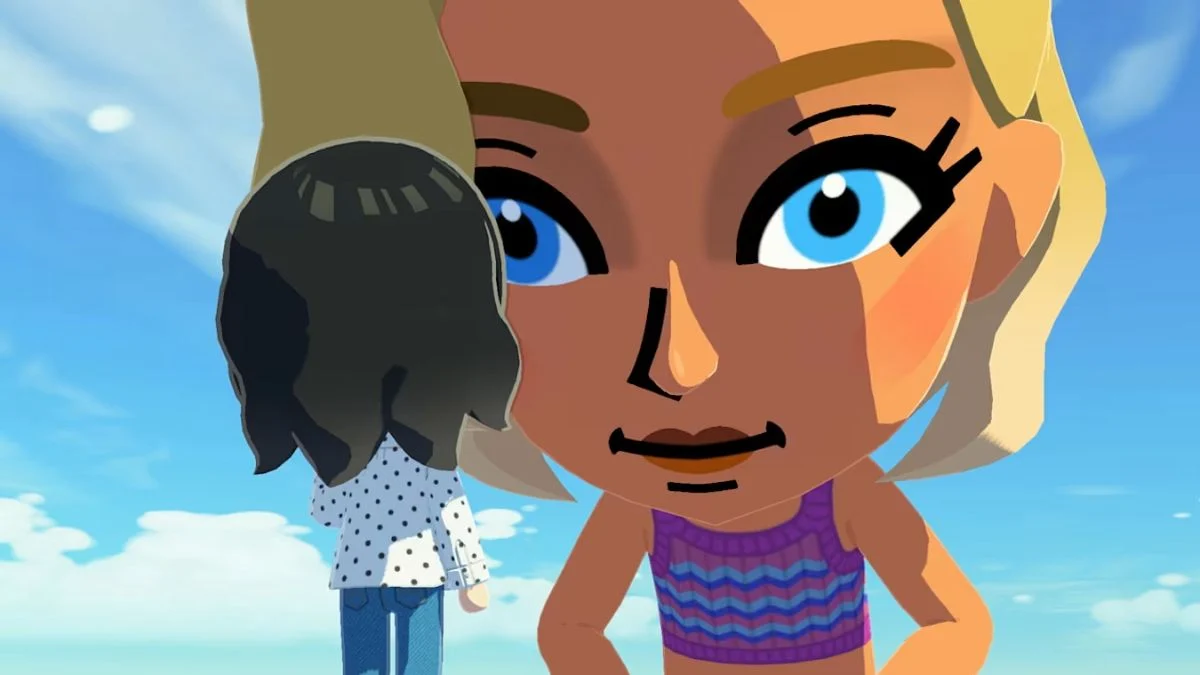
Image Credit: Nintendo Once the scan completes successfully, the Mii will be ready to move in and start interacting with your other island residents straight away.
How to Share Your Own Mii via QR Code
You can generate a QR code for any Mii you have created and share it with other players. There are two main ways to do this:
Option 1: Direct QR Code from your island Navigate to the Mii’s profile on your island and select the option to display or generate their QR code. Other players can then scan it on their own device to add that Mii to their game.
Option 2: Via Miitopia You can also share your Mii through Miitopia by creating the character there first. Other players can then download the Mii to their Nintendo Switch and import them into Tomodachi Life: Living the Dream. Note that this method requires an active Nintendo Switch Online membership to access the internet and receive Miis via Access Keys. However, keep in mind that any custom wigs and makeup created in Miitopia will not carry over when the Mii transfers into Tomodachi Life: Living the Dream.

Where to Find Tomodachi Life QR Codes
The most reliable places to find QR codes for Tomodachi Life: Living the Dream are:

- TomadachiShare — a dedicated community platform where players upload and share Mii QR codes
- Community sharing boards — fan wikis and gaming communities host active Mii design boards where players post their QR codes for others to scan
- Social media — platforms like X, Reddit, and Discord have active Tomodachi Life communities where players regularly share new codes
New submissions appear constantly across all of these sources, so checking back regularly means you will always have fresh Miis to add to your island.

Tips for Sharing Mii Designs on Community Boards
If you plan to share your Mii designs on community boards, here are a few things worth knowing:
- Keep image file sizes under 300KB before uploading. Tools like TinyPNG can compress images quickly without losing quality
- Each submission is public, so avoid including any personal information in your posts
- Upvoting strong designs from other creators helps the best Miis get more visibility across the community
- Designs that earn a high number of upvotes on community boards get featured more prominently, so the better your Mii, the more players will find it
Things to Know Before You Start Scanning
- Each QR code imports a single Mii, so scan each code individually for every character you want to add
- Your island’s Mii capacity still applies when importing via QR code, so keep an eye on how many residents you have before scanning a large batch
- QR code sharing works between players regardless of location, unlike local wireless which requires both players to be physically nearby
- Custom makeup and wigs made in Miitopia do not carry over when transferring a Mii into Tomodachi Life: Living the Dream


Leave a Reply