

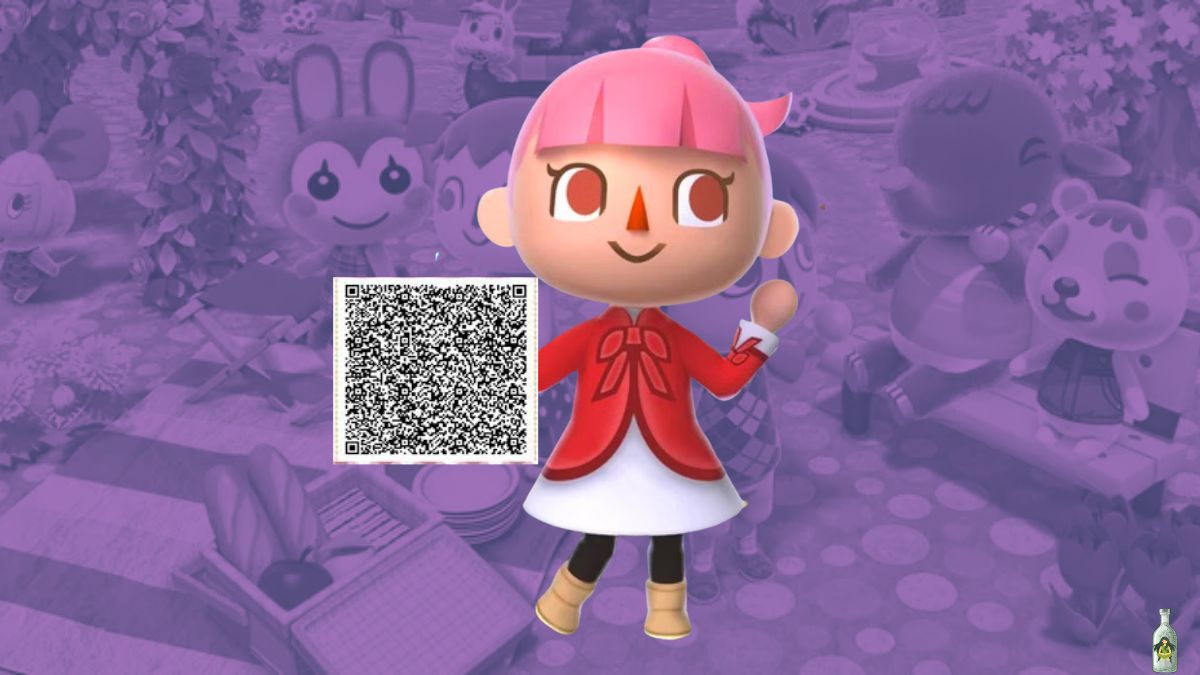
If you’ve been strolling through a friend’s town in Animal Crossing: New Leaf and found yourself admiring their beautifully tiled paths or stylish clothing patterns, chances are you’ve stumbled upon the magic of QR codes. These pixel-perfect designs are one of the game’s most creative and community-driven features. And they’re easier to use than you might think.
In this guide, we will discuss everything you need to know about QR codes in Animal Crossing: New Leaf—from what they are, how to scan them, and where to find the best ones for your town.
What Are QR Codes in Animal Crossing: New Leaf?
QR codes in Animal Crossing: New Leaf are scannable codes that allow players to share custom design patterns, ranging from clothing, hats, and signs to intricate path tiles and even town flags. These patterns are created in-game using the design editor and can be turned into QR codes using a special in-game machine, allowing other players to import and use them in their own towns easily.
How to Unlock the QR Code Scanner in Animal Crossing New Leaf?
Before you can use QR codes, you’ll need to unlock the QR code scanner inside the Able Sisters’ shop. Here’s how:
- Visit the Able Sisters daily – Specifically, talk to Sable, the quiet hedgehog working at the sewing machine.
- Build a friendship – Speak with Sable for 10 separate days (not necessarily consecutive).
- Unlock the sewing machine – After your friendship grows, a red sewing machine will appear in the back of the shop. This is the QR code machine!

How to Use QR Codes in Animal Crossing: New Leaf
Once the sewing machine is available:
- Walk up to the machine and press A to interact with it.
- Choose “Read a QR Code” and align the code with your 3DS camera.
- Save the design to your personal slots.
You can now apply that design anywhere in your town—lay it as a path, wear it as clothing, or use it as wallpaper or a sign. The possibilities are endless!
Animal Crossing: New Leaf QR Codes for Paths
One of the most popular uses for QR codes is path design. Since the base ground in Animal Crossing is limited, players use custom patterns to create roads, cobblestone walkways, garden edges, and themed streets.
Popular path styles include:
- Cobblestone and brick
- Dirt paths with flower borders
- Japanese zen-style walkways
- Seasonal paths (snow, autumn leaves, etc.)
Tips for Creating or Using Path QR Codes:
- Use multiple pattern slots to piece together large paths (e.g., corners, edges, and straight lines).
- Pinterest and Tumblr are gold mines for curated QR codes. Just search for “ACNL path QR codes”.
- Need more than 10 design slots? Create additional player characters in your town. Each one gets 10 more design slots and access to the QR machine once unlocked.
Where to Find the Best ACNL QR Codes?
The ACNL community is vibrant and has been actively sharing custom designs since the game’s release. Here are some of the top places to find high-quality QR codes:
- Facebook: There is a dedicated group of players constantly exchanging QR codes.
- Reddit – Check out r/AnimalCrossingNewLeaf and r/ACQR, where players regularly post their favorite designs.
- Pinterest – Try searching “ACNL path QR codes” or “Animal Crossing outfits.”
- Tumblr blogs – Many creators still archive themed paths and clothing collections.
- Imgur albums – Many players compile full path sets in albums that are ready to scan.
Pro Tip: Make sure to download high-quality images of QR codes for clean scanning on your 3DS camera.
Limitations to Keep in Mind
- You can only hold 10 design slots per character.
- Each design takes up one slot—even if it’s a corner tile or a small piece of a larger path.
- To expand your collection, create extra residents in your town and unlock the QR machine for each.
More Trending Gaming Stories:


Leave a Reply