

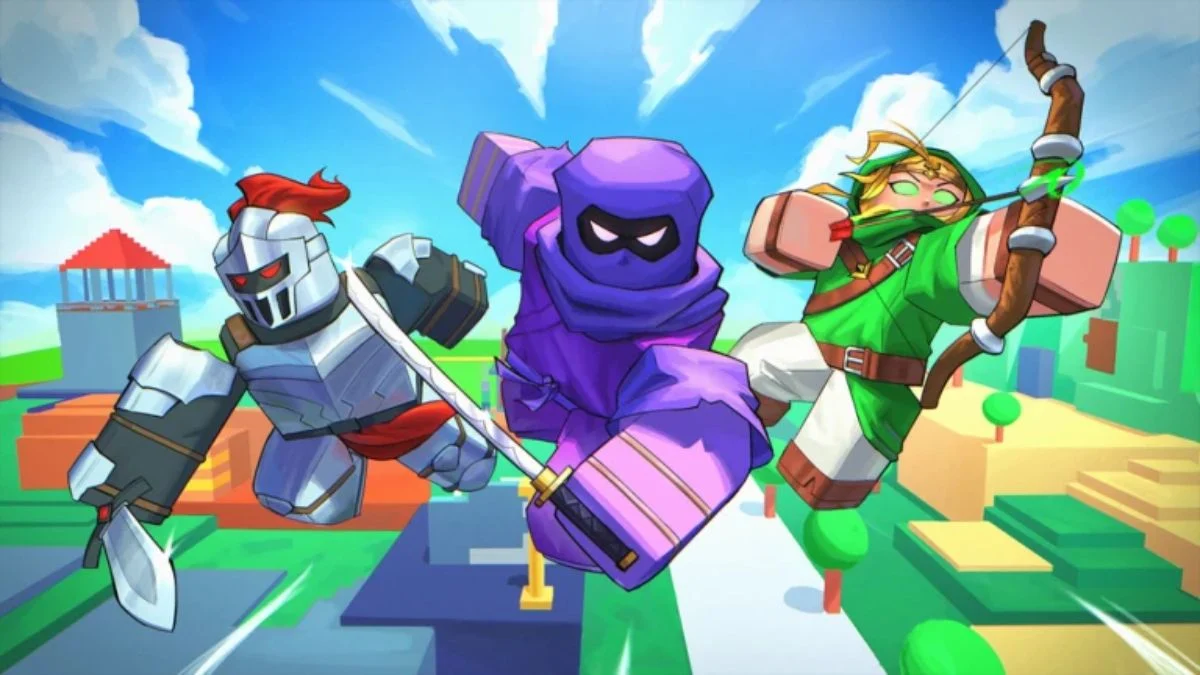

If you have been grinding matches in Project Smash hoping to unlock stronger fighters and abilities faster, codes are your best shortcut. This Roblox platform fighter takes clear inspiration from the Smash Bros. formula, putting players in fast-paced arena battles where having more characters unlocked gives you a real edge in learning matchups. Codes hand out free Cash that you can put straight toward new fighters and abilities without the wait. Here are all the active codes and exactly how to use them.
All Latest Project Smash Codes (July 2026)
| Code | Reward |
| anniversary3 | In-Game Rewards |
| spring | In-Game Rewards |
| SKETCH | 1,500 Cash |
| TURKEY | 1,000 Cash |
| WELLWORKS | 1,500 Cash |
Note that codes in Project Smash are case-sensitive, so copy and paste them exactly as shown above to avoid redemption errors.

How to Redeem Project Smash Codes
Redeeming codes in Project Smash requires no tutorial completion or minimum level. You can do it from the moment you launch the game:
- Step 1 — Launch Project Smash in the Roblox app
- Step 2 — Click the three-line hamburger menu on the left side of the screen
- Step 3 — Enter your code into the Redeem Code input box that appears
- Step 4 — Click REDEEM to claim your reward instantly

Your Cash will be added to your account automatically as soon as redemption is confirmed.
Why Are My Project Smash Codes Not Working?
If a code is not working, there are a few common reasons:
- The code has expired. Some codes are only active for a short window, occasionally even just a single day after release
- Server timing. New codes sometimes only work on freshly launched servers. If a code fails immediately after a game update, wait a couple of hours and try again on a new server
- Incorrect spelling. Codes are case-sensitive, so always copy and paste rather than typing manually
All Expired Project Smash Codes
These codes no longer work but are listed here for reference:
| Expired Code |
| HappyHalloween |
| 200KLikes |
| shark |
| Princess |
| anniversary |
What Is Cash Used for in Project Smash?
Cash is the primary currency in Project Smash and serves as the main progression tool in the game. You can spend it on:
- Unlocking new fighters, each with their own unique moveset and abilities
- Purchasing new abilities to expand your combat options
- Cosmetic items to customise your character’s appearance
Since every fighter in Project Smash plays differently, unlocking more of the roster early gives you a significant advantage in learning how different characters work and how to counter them in matches.

Where to Find New Project Smash Codes
New codes in Project Smash typically release alongside major updates, new fighter additions, balance patches, and milestone celebrations. The most reliable places to watch for new codes are:
- The official Project Smash Discord server, where codes are announced in the updates section
- The official @ProjectSmash_ account on X (formerly Twitter)
- The Project Smash Trello board, which also covers game mechanics, character tiers, and map information
Additionally, bookmarking this page means you will always have a verified, up-to-date list of active codes without having to dig through Discord channels or patch notes yourself.


Leave a Reply