

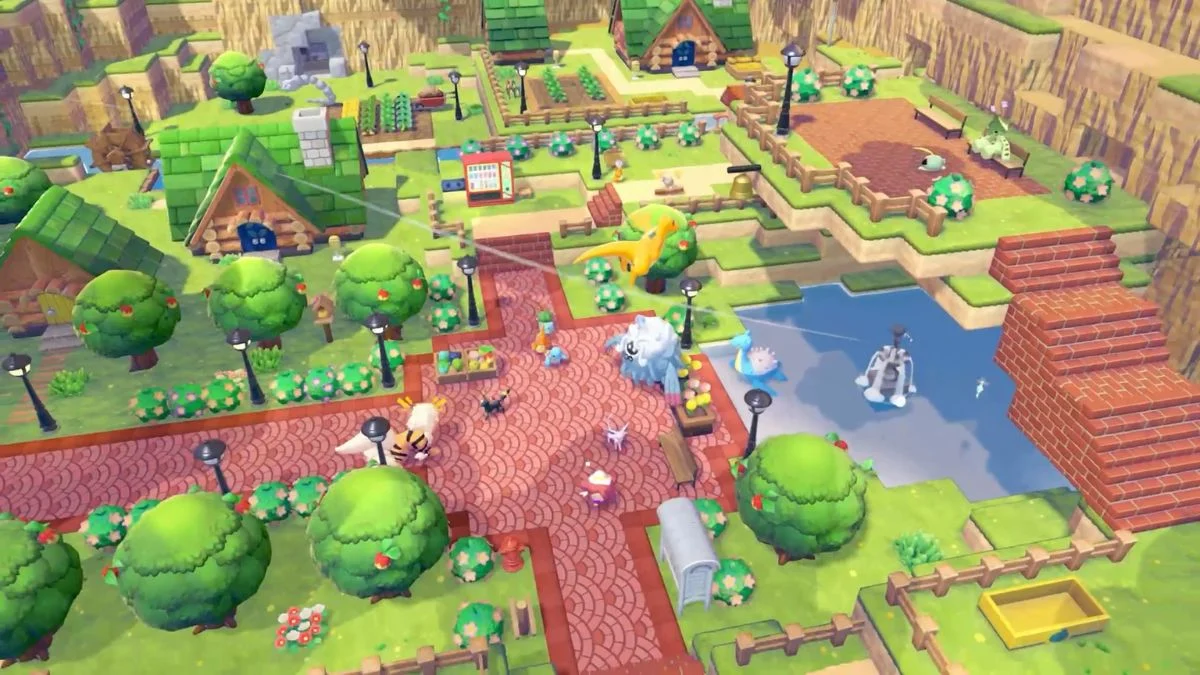
A Note for Cautious Players As of launch, no penalties for time travel have been confirmed in Pokémon Pokopia, and the method is widely considered safe by players and guide outlets alike. However, it is worth keeping in mind that the game is still in its early days, and there is no way to predict whether future patches could introduce consequences for clock manipulation. If you prefer to play it safe and experience the game at its intended pace, skipping the time travel method entirely is a completely reasonable choice. Everything in Pokémon Pokopia is accessible through natural play; time travel simply removes the wait.
Pokémon Pokopia runs on a real-time clock, meaning the sun rises and sets in your game exactly as it does in your home. If you want to catch a Pokémon that only spawns at night but you always play in the afternoon, or you want to speed up a building project without waiting a full day, this guide covers everything you need to know about the day and night cycle, and how to change the time safely.
Pokémon Pokopia Time Travel Overview
| Detail | Information |
| Game | Pokémon Pokopia |
| Developer | Game Freak and Omega Force |
| Publisher | The Pokémon Company / Nintendo |
| Platform | Nintendo Switch 2 |
| Time System | Real-time clock (Nintendo Switch 2 internal clock) |
| Daily Reset Time | 5 AM local time |
| Can You Change Time In-Game? | No, only via Nintendo Switch 2 System Settings |
| Penalties for Time Travel? | None confirmed — safe per current players’ experience |

How Does the Day and Night Cycle Work in Pokémon Pokopia?
Pokémon Pokopia ties its entire world to the real-world clock on your Nintendo Switch 2. Whatever time it is where you live, that exact time of day is reflected in your game. The sky changes colour, the weather shifts, and the Pokémon available to you rotate based on four distinct time periods throughout the day.
This system works similarly to Animal Crossing: New Horizons, where the game world moves in real time rather than on an accelerated in-game clock. However, unlike Animal Crossing, there are no penalties for adjusting your clock in Pokémon Pokopia. It is worth noting that during the tutorial section at the very start of the game, the time of day is fixed. Pokémon Pokopia does not sync with your real-world clock until after Ditto falls asleep at the end of the introductory sequence.
Seasons Add Another Layer: Yearly Changes
Beyond the daily cycle, Pokémon Pokopia also features a season system that progresses alongside your real-world calendar rather than resetting daily. Seasons affect weather patterns, habitat visuals, and Pokémon spawns and behaviours. Like the day and night cycle, the season system syncs with your Nintendo Switch 2 clock post-tutorial, and there are no penalties for skipping months through time travel. Seasons also influence crop growth rates and in-game events. You can check the current season via the in-game calendar at your Pokémon Center.
- Spring: Blooming conditions that favour Grass-type spawns.
- Summer: Hot weather that benefits Fire and Water habitats.
- Fall: Leafy conditions suited to Bug and Flying encounters.
- Winter: Snowy spawns for Ice-type exclusives.
Note that full seasonal details were still being confirmed at launch, so check for post-launch patches for the complete picture on Winter Ice-type spawns and seasonal event content.
What Are the Four Time Periods in Pokémon Pokopia?
| Time of Day | Hours |
| Morning | 6 AM to 9 AM |
| Daytime | 9 AM to 5 PM |
| Evening / Dusk | 5 PM to 7 PM |
| Night | 7 PM to 6 AM |
Each period brings a different atmosphere to the world, and certain Pokémon only appear during specific windows. If you always play during the afternoon, you could miss night-exclusive encounters entirely without ever realising it.
Time-Exclusive Pokémon Spawns: Who Appears When?
Many Pokémon in Pokémon Pokopia only show up during specific time periods, making time travel particularly useful for players aiming for full Pokédex completion. Here is a breakdown of key time-exclusive Pokémon and their best habitats:
| Time of Day | Example Pokémon | Best Habitats |
| Morning (6–9 AM) | Pidgey, Pidgeotto | Pretty Flower Bed, Elevated Tall Grass |
| Daytime (9 AM–5 PM) | Espeon, Wingull, Pelipper, Chatot, Fidough, Dachsbun | Elegant Daytime Treats, Elevated Yellow Tall Grass, Windy Flower Bed, Best Bread Bakery |
| Evening / Dusk (5–7 PM) | Wingull, Pelipper, Chatot (extended from day) | Elevated Yellow Tall Grass, Windy Flower Bed |
| Night (7 PM–6 AM) | Oddish, Hoothoot, Noctowl, Umbreon, Cleffa, Clefairy, Clefable, Venonat, Venomoth, Murkrow, Honchkrow, Misdreavus, Duskull line, Gastly line, Zubat line, Cacturne | Tall Grass, Gently Lit Bed, Graceful Flower Bed, Tree-Shaded Flower Bed, Illuminated Tall Grass, Illuminated Bench, Dark-Chocolate Cookies, Fluffy Flower Bed |
Night has the most exclusive spawns with over 20 Pokémon only available during that window. If you want to farm night exclusives efficiently, set your clock to around 8 PM and prioritise building the Gently Lit Bed or Illuminated Bench habitat early to attract owls and bug-type Pokémon.

When Does a New Day Start in Pokémon Pokopia?
A new in-game day begins at 5 AM local time. This is the daily reset point for the game, and it is the moment when large construction projects, such as rebuilding Pokémon Centers, complete their build timers. Anything listed as finishing “tomorrow” in the game will be ready for you at 5 AM.
What Resets Every Day in Pokémon Pokopia?
Each daily reset at 5 AM triggers a number of changes across your game. Here is what refreshes with every new day:
| Daily Reset Item | Details |
| Daily Tasks | New tasks become available at Pokémon Centers |
| Shop Items | The shop refreshes with new available stock |
| Building Projects | Any builds completing “tomorrow” finish at 5 AM |
| Dream Islands | Refresh and can be visited once per day |
| Pokémon Requests | Pokémon may have new requests for you |
| Habitat Hints | New hints may appear |
| Dig Spots | New dig spots may appear across the map |
| Crops | Planted crops mature after a full day passes |
Can You Change the Time of Day in Pokémon Pokopia?
You cannot change the time directly inside the game. However, you can change it by adjusting the internal clock on your Nintendo Switch 2. Once you update the console’s system clock, the game reads the new time and updates the world accordingly.
Time travel in Pokémon Pokopia is completely safe. Unlike Animal Crossing: New Horizons, the game does not punish you for adjusting your clock. No penalties have been reported by players or documented by any major guide outlet, and you can jump forward or backward as freely as you like. Saving your game before adjusting the clock is still a sensible habit. However, it is purely a precaution rather than a necessity.
How to Change the Time of Day in Pokémon Pokopia (Step by Step)
Follow these steps to adjust the time of day in Pokémon Pokopia:
- Save your game before making any changes, as a general good habit.
- From the Nintendo Switch 2 HOME screen, open System Settings. You do not need to close Pokémon Pokopia before doing this.
- Scroll down and select System.
- Select Date and Time.
- Switch Synchronize Clock via Internet to OFF. This step is essential, otherwise the console will revert back to real-world time automatically.
- Manually set the date and time to your desired target. Keep in mind that a new in-game day begins at 5 AM, so travelling to 5 AM or later will trigger the start of a fresh day.
- Return to Pokémon Pokopia and resume your session. The game will reflect the updated time immediately.

If you travel forward to 5 AM or beyond, the game will spawn you back at your house as the map reloads. This is normal behaviour and not a bug.
What Should You Use Time Travel For?
There are three main reasons to adjust the clock in Pokémon Pokopia, and all of them are completely safe to use.

1. Encounter Time-Exclusive Pokémon Some Pokémon only appear during specific time windows. Night has the most exclusives, so setting your clock to 8 PM gives you access to over 20 Pokémon unavailable at any other time of day. This is particularly useful for players with limited play sessions who want to complete their Pokédex on their own schedule.
2. Speed Up Building Construction Large construction projects, such as rebuilding Pokémon Centers scattered across the map, require Building Kits and can take up to a full real-world day to complete. Jumping the clock forward to the next 5 AM completes these projects instantly and also unlocks any story progression tied to those buildings, without the wait.
3. Access Limited-Time Events Early By setting your date and time to match the start window of an upcoming in-game event, you can access that content before it would naturally appear in your playthrough. This is useful for event-specific Pokémon encounters and time-sensitive rewards. However, it is currently unclear whether travelling back in time after an event has ended allows you to replay or re-access that event content, so it is worth being mindful when adjusting dates around limited-time content.
Are There Any Penalties for Time Travelling in Pokémon Pokopia?
No. Time travel in Pokémon Pokopia is safe, and no penalties have been confirmed or reported by players at launch. Unlike Animal Crossing: New Horizons, the game does not punish you with weeds, unhappy residents, or locked daily rewards for adjusting your system clock. You can travel forward or backward freely and the game will simply continue as normal.
Here is what time travel positively affects when you jump forward:
- Crops you planted will mature.
- Building and demolition projects will complete.
- Daily tasks and shop stock will refresh at the next 5 AM reset.
- Limited-time events may become accessible early.
It is also worth knowing that Nintendo will not ban your account or restrict your online access for time-travelling. There are no multiplayer or account-level consequences of any kind.
The only practical note worth keeping in mind is that if you jump forward and then return to the present, shop items and Daily Challenges from the date you visited may remain in place until the next natural reset. Saving before adjusting the clock is still a sensible precaution, purely to protect your progress during the reload.

Multiplayer and Time Travel: Does It Affect Co-Op?
If you play Pokémon Pokopia with others, either through local GameShare or online visits, time travel does not cause any issues for your sessions. Here is how it works:
- Each player’s game uses their own Nintendo Switch 2 clock. When you visit a friend’s island or host a session, visitors experience the host’s current time of day rather than their own.
- Time travel does not affect your friends’ worlds. Adjusting your own clock only changes your game and does not carry over to anyone else’s session.
- Rejoining sessions after time travel works seamlessly, with no desyncs or connectivity issues reported.
- A useful approach for group Pokédex hunting is to farm night-exclusive Pokémon on your own clock, then visit friends during their daytime session, effectively covering multiple time periods across the group without anyone needing to wait.


Leave a Reply