


In MIO: Memories in Orbit, the map does not unlock automatically. When you pause the game early on, the map appears disabled, even though you have already explored several rooms. This is intentional and tied to a specific NPC, a resource mechanic, and the game’s approach to progression.
This guide explains exactly where to unlock the map, which currency you need, how crystalliser robots affect the process, and when the map updates.
Where to Unlock the Map
You unlock the map by interacting with an NPC named Shii. He is located just above the first network gate in the area called the Spine, which you reach very early in the game.
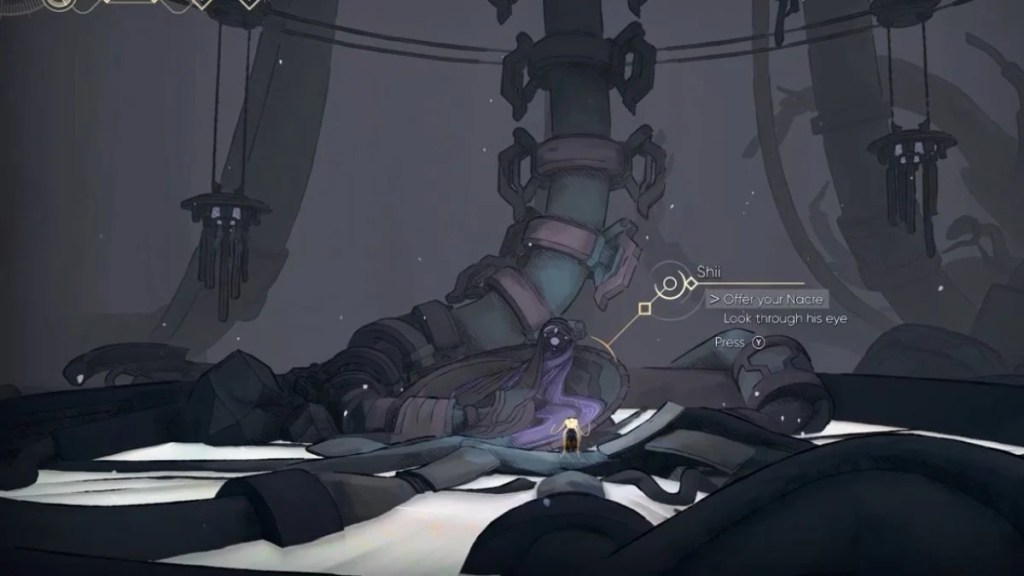
The first time you pass Shii, he does not unlock anything. You must return to him later after collecting enough currency.

The Currency Required: Nacre
Shii unlocks the map in exchange for Nacre, the standard currency dropped by enemies.
When you speak to Shii, any raw Nacre you currently carry transfers into a small pool beside him. Once this pool reaches the required amount, the map unlocks.
Based on early gameplay, unlocking the full map typically requires a few hundred Nacre. You do not need to deliver it all at once. The pool fills gradually over multiple visits.
What Happens If You Die
If you die while carrying Nacre, you lose it as usual. However, that lost Nacre automatically transfers to Shii’s pool. This means you cannot permanently lose progress toward unlocking the map.
Even if you struggle with combat or die frequently, the map will unlock naturally over time as long as you continue playing and return to Shii.
The Two Stages of Map Unlocking
The map unlocks in two distinct stages, which is important to understand.
Stage One:
Once you have contributed enough Nacre, you can view the map only while standing near Shii. This allows you to check explored rooms and connections, but only at his location.
Stage Two:
After contributing additional Nacre, the map becomes available directly from the pause menu. This is the full unlock and allows you to access the map anywhere.
When the Map Updates
Even after fully unlocking the map, it does not update in real time.

The map only refreshes when you save at a network gate. If you explore new rooms but do not save, those areas will not appear on the map yet. Always save after a long exploration session to keep your map accurate.
How Crystalliser Robots Affect Map Progression
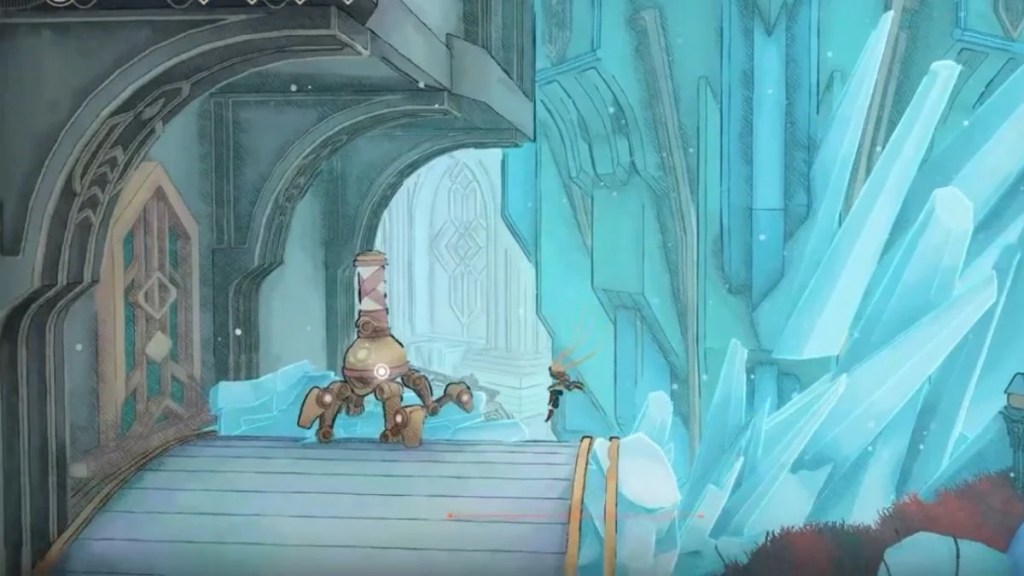
Crystalliser robots convert raw Nacre into crystallized Nacre, which you keep even after death. This resource becomes important later for upgrades and shop purchases.
However, Shii does not accept crystallized Nacre.
This means:
- Only raw Nacre contributes to unlocking the map
- Crystallizing your Nacre too early slows map progress
- Crystallizing protects your currency before difficult fights
A crystalliser robot is located near the Spine and becomes accessible shortly after meeting Shii. A good early strategy is to hold onto raw Nacre until you have progressed the map unlock, then begin crystallizing excess Nacre once the map becomes usable.
Why Unlocking the Map Is Important?
The map is essential for tracking:
- Unexplored paths
- Locked routes that require new abilities
- Connections between major areas like the Spine, Metropolis, and Haven
White markers on the map indicate areas you cannot access yet. These markers help you decide where to return after gaining new movement or combat abilities.


Leave a Reply