

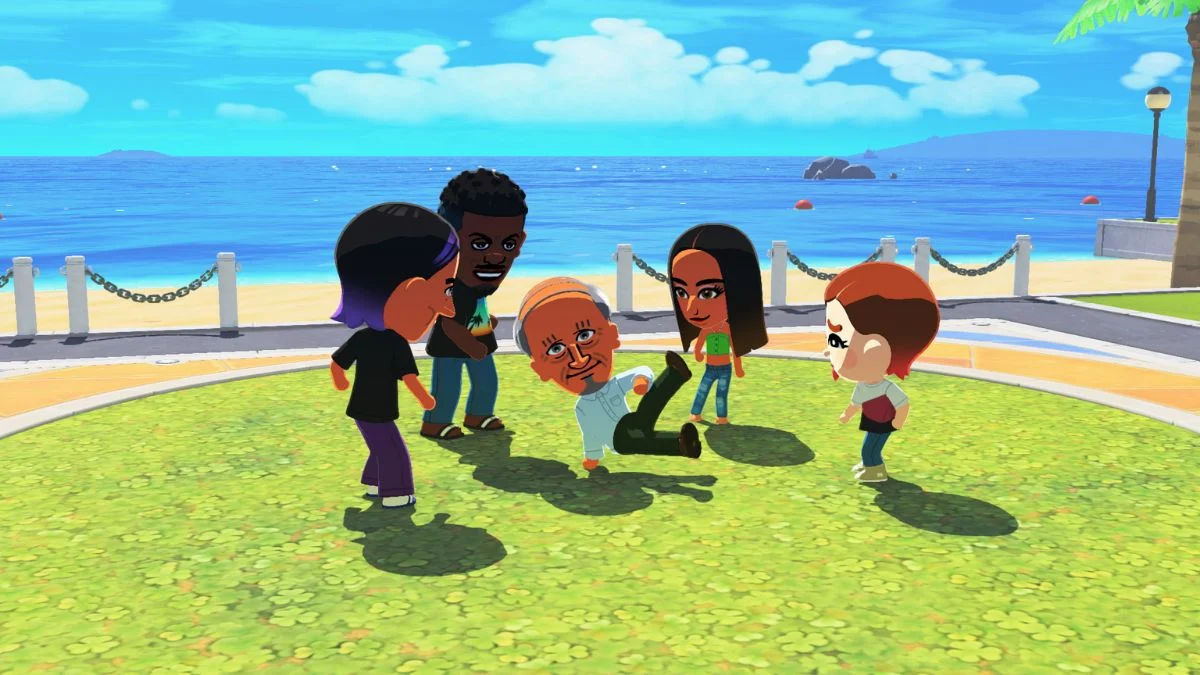
Tomodachi Life: Living the Dream is Nintendo’s long-awaited life simulation game where your island lives and dies by the Miis you populate it with. So before you start building your dream cast of characters, the most pressing question is: how many Miis can you actually have? Nintendo has officially confirmed the answer, and it comes with a few important details worth knowing before you hit the limit. Here is everything confirmed about the Mii cap, what happens when you reach it, and how to manage your island population smartly.
Miis in Tomodachi Life: Living the Dream Overview
| Detail | Info |
| Developer | Nintendo |
| Release Date | April 16, 2026 |
| Platform | Nintendo Switch / Nintendo Switch 2 |
| Genre | Life Simulation |
| Max Miis Per Island | 70 |
| Save Files Per User | 1 |
| Demo Mii Limit | 3 (progress transfers to full game) |

So, How Many Miis Can You Have?
The official answer, confirmed directly by Nintendo in their public FAQ, is 70 Miis per island. That is the hard cap, and you cannot add any new residents once you reach it without first removing an existing one.
Each user profile gets one island, and that island holds a maximum of 70 Miis at any one time. However, if multiple users share the same Nintendo Switch or Nintendo Switch 2 console, each user profile gets its own completely separate island with its own individual 70 Mii limit. Save data is not shared between users on the same console.
It is also worth noting that the limit only applies to residents actively living on your island at once. You can create or import additional Miis beyond 70, but you will need to swap them in by removing a current resident first, which does come with a moving fee each time.
Why Is the Limit Only 70?
Nintendo has not provided an official explanation for reducing the cap from the 3DS version’s limit. However, the widely accepted reason among players and developers is performance. In Tomodachi Life: Living the Dream, Miis roam freely across an open island in real time, constantly interacting with each other and the environment. That is a significantly higher computational demand compared to the original 3DS version, where Miis lived in contained apartments and only appeared outside during specific events. Supporting 70 actively moving, interacting characters simultaneously on a dynamic island is simply more demanding than the older game’s more compartmentalised approach.

How Does That Compare to the 3DS Version?
| Feature | Tomodachi Life (3DS, 2014) | Living the Dream (Switch, 2026) |
| Max Miis | 100 | 70 |
| Island Style | Apartment-based, contained | Open island, free-roaming |
| Same-sex relationships | No | Yes |
| Babies (any gender couple) | No | Yes |
| Platform | Nintendo 3DS | Nintendo Switch / Switch 2 |
The original Tomodachi Life on Nintendo 3DS allowed up to 100 Miis, which is a full 30 more than Living the Dream permits. Given that the Switch and Switch 2 are considerably more powerful hardware, many players have found the reduced limit disappointing. However, the open-island format is a meaningful upgrade that comes with a real performance trade-off.
Community reactions since Nintendo confirmed the cap have been notably vocal. Many players who filled the 3DS island quickly noted that babies were the main reason they hit the ceiling fast. Since married couples in Living the Dream can have children regardless of gender, the same situation is very likely to happen here, and potentially faster. Several fans have already said they plan to limit their starting roster specifically to leave room for the next generation.
The limit has been described by some in the community as the “first negative downside” of the game, though most players accept the reasoning once the open-island format is taken into account.
What Happens When You Hit the 70 Mii Limit?
Once your island reaches 70 residents, you cannot add any new Miis until you remove an existing one. There is no way to bypass this cap. Planning your roster before you get too deep into the game saves you from difficult decisions later, particularly since deleting a Mii has a cost attached.
How to Delete a Mii in Tomodachi Life: Living the Dream
If you need to free up space on your island, you can delete a Mii through the Mii editing screen. There are a few important things to know before you proceed:
- Open the residents list from the pause or main menu.
- Select the Mii you want to remove.
- Enter the Mii editing screen for that character.
- Choose the Remove or Delete Mii option in the upper-right section of the editing screen. This option becomes available after you have progressed far enough in the early game.
- Confirm the deletion to permanently remove that Mii from your island.
Deleting a Mii Costs In-Game Currency
Removing a resident is not free. Nintendo charges a moving fee in in-game currency each time you delete a Mii, taken directly from your island’s bank account. The exact amount depends on your region and language settings:
| Region / Language | Deletion Cost |
| English (US) | $33 (in-game) |
| English (EU) | €33 (in-game) |
| Japanese | ¥3,300 (in-game) |
This fee is non-refundable, and a deleted Mii cannot be recovered once removed. Their relationships, items, and history disappear with them, so take a moment before confirming any deletion.
You Cannot Delete Your Last Mii
There is one firm restriction: you cannot delete the very last Mii on your island and reduce your resident count to zero. If you want to remove your final resident, you need to create a new Mii first and then delete the old one.

Nintendo Switch 2 Differences
If you play Tomodachi Life: Living the Dream on a Nintendo Switch 2, the core game content stays identical, but you do get a few platform-specific improvements:
- Faster loading times compared to playing on the original Nintendo Switch, with noticeably snappier transitions between areas.
- Game Chat support, letting you chat with friends and share your screen while playing. A Nintendo Switch Online paid subscription is required for this feature.
- 1080p resolution in handheld mode, which is higher than the standard handheld output on the original Switch.
However, there are also a couple of things the Switch 2 version does not support:
- Handheld Mode Boost is not supported. The game already outputs at 1080p in handheld mode regardless of whether the feature is toggled on, so Nintendo confirmed it was unnecessary to implement.
- Joy-Con 2 mouse function is not supported. The game uses primarily button controls, with touch controls available in sections like Mii creation and the Item Workshop.

Tips for Managing Your Mii Limit
Given that 70 fills up faster than you might expect once marriages and babies start happening, here are a few practical things to keep in mind:
- Start with around 55 to 60 Miis rather than filling all 70 slots immediately. This leaves breathing room for children as your island’s couples grow their families.
- Plan your couples deliberately. With same-sex couples now able to have babies, the generational loop accelerates faster than it did in the original game.
- Think carefully before deleting anyone. The in-game cost is non-refundable, and everything tied to that Mii disappears permanently.
- Remember that swapping Miis is an option. The 70 limit applies to active island residents only. You can create more Miis beyond that cap and rotate them in by paying the moving fee, so your broader roster does not have to be limited to 70 in total.
- If you are using the free demo first, note that the Welcome Version demo restricts you to just 3 Miis. However, any progress you make in the demo transfers directly to the full game.


Leave a Reply