

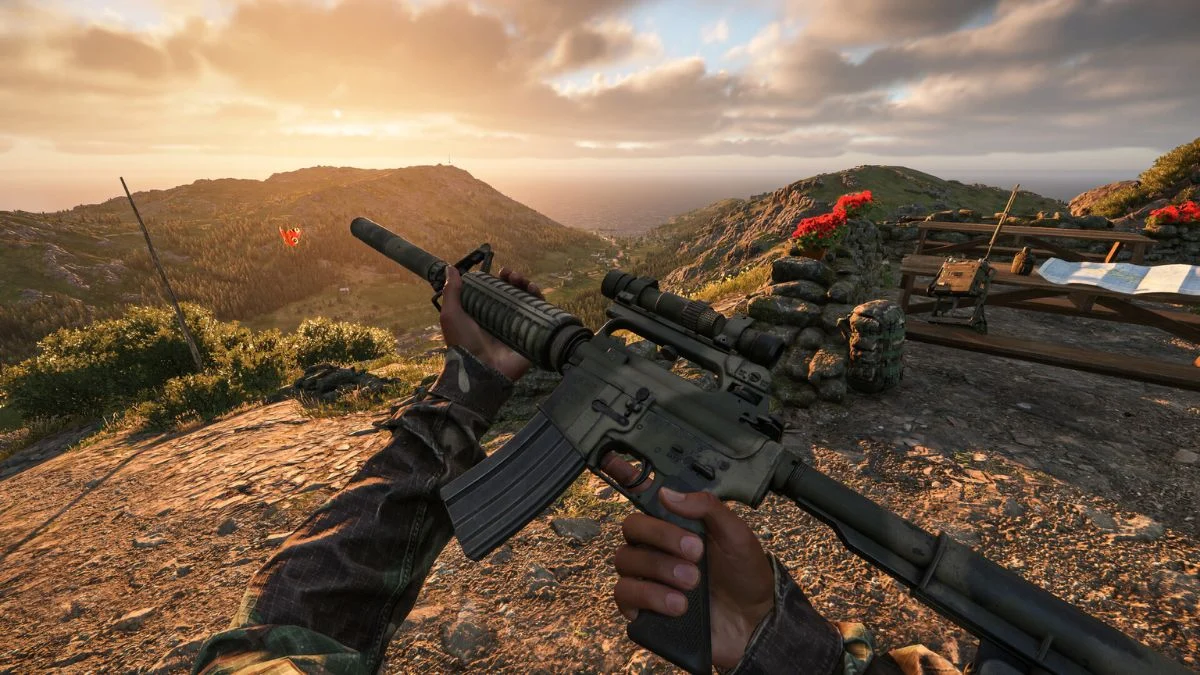
Arma Reforger thrives on scale. Large maps, coordinated squads, and shared objectives define its identity. Crossplay plays a key role in keeping that experience alive, especially when you want to squad up with friends across platforms. If you plan to play on Xbox with someone on PC, Arma Reforger already supports that connection. You only need the right server setup.
This guide explains how crossplay works in Arma Reforger, how to enable it, and what limitations you should understand before jumping in.
Does Arma Reforger Support Crossplay?
Yes, Arma Reforger supports crossplay between PC and Xbox. Players on both platforms can join the same servers, fight together, and share the same battlefield.
PlayStation support exists in a limited form. PlayStation players can join crossplay servers only when those servers run without mods. Sony restrictions prevent PlayStation from accessing modded servers, which limits full parity with PC and Xbox.
In short:
- PC and Xbox crossplay works fully
- PlayStation crossplay works only on unmodded servers
- Modded servers support PC and Xbox only

How Crossplay Works
Crossplay does not rely on your platform settings. The server controls it. If a server enables crossplay, you can join regardless of whether you play on Xbox or PC. If the server disables it, platforms remain separated.
Most official Arma Reforger servers already enable crossplay by default. Community servers vary, especially modded ones.

Bohemia Interactive
When you browse servers, check the server description or filters to confirm crossplay support before joining.
How to Enable Crossplay on an Arma Reforger Server
If you host or manage a server, you can enable crossplay in two main ways. The method depends on whether you use a hosting control panel or direct file access.
Method 1: Enable Crossplay Using a Server Control Panel
This option suits most hosted servers.
- Stop your Arma Reforger server completely
- Open your server control panel
- Navigate to the startup or game settings section
- Locate the Cross Platform or Enable Crossplay Support option
- Set the option to Enabled
- Save changes
- Restart the server
Once the server starts, players on PC and Xbox can join the same session.

Method 2: Enable Crossplay Through Server Configuration Files
This option suits users who prefer manual control.
- Stop the server
- Access the server files
- Open the config.json file
- Find the “game” section
- Set crossPlatform to true
Example:
“game”: {
“crossPlatform”: true
}
- Save the file
- Restart the server
The server now allows cross-platform connections.
Playing Together on PC and Xbox
Once crossplay runs on the server, nothing else stands in your way. You and your friend can join the same server, communicate normally, and share progression within that session.
Console players often mention that Arma Reforger controls feel demanding at first. You can connect a mouse and keyboard to Xbox if you prefer a closer PC experience. The game supports that input method and many players recommend it for firefights and inventory management.
Stability and Performance Considerations
PC builds generally run more stable than Xbox versions. Crashes happen more often on console, especially on heavily modded servers. Many community servers compensate by allowing players to respawn near their disconnect location or recover saved gear.
If stability matters more than mods, official servers offer the smoothest crossplay experience.
More Trending Game Guides:


Leave a Reply