
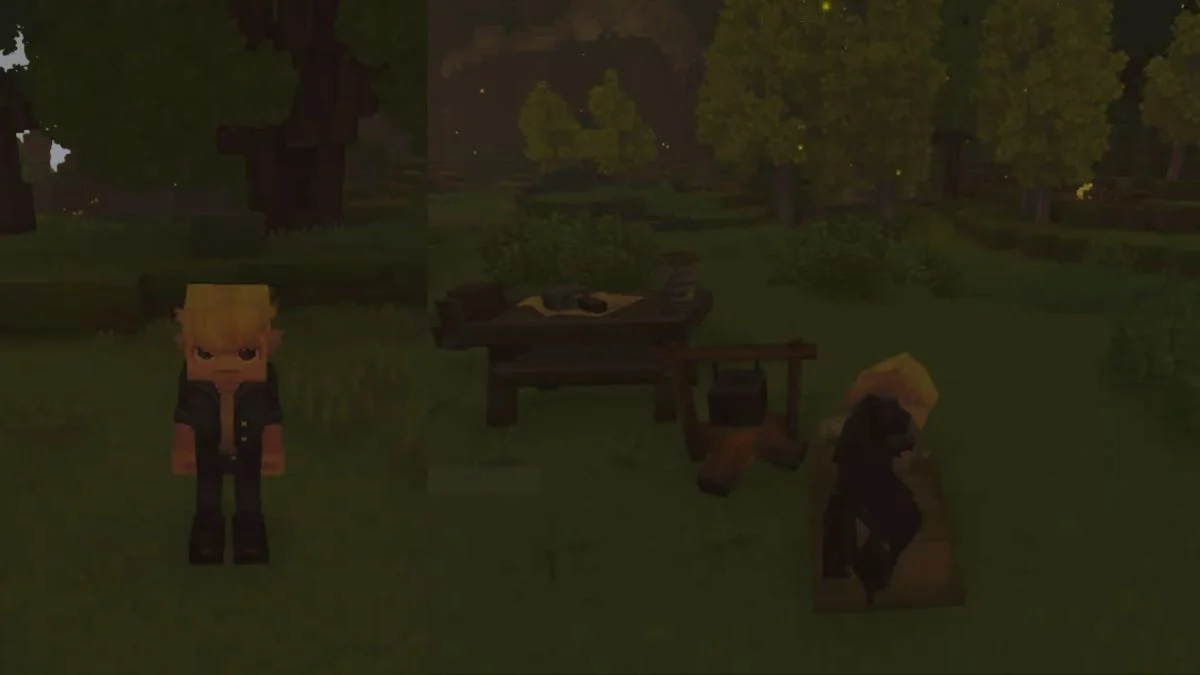
Night in Hytale carries weight. Visibility drops, hostile creatures grow more active, and early survival turns tense fast. The game does not offer a button to fast forward time. Instead, it asks you to engage with sleep as a deliberate survival mechanic. Once you understand how that system behaves, skipping night becomes reliable rather than frustrating.
How Sleep Advances Time in Hytale
Sleep in Hytale does more than move the clock forward. It shifts the world into morning and anchors your progress by setting a respawn location. This makes sleeping a calculated decision, especially during the early hours when survival resources remain limited.

Skipping the night works only when specific conditions align, and the game enforces them strictly.
- You must place a bed or bedroll before sleep becomes possible
- Sleep only activates once the world reaches full night
- Interaction fails if any daylight remains
- Movement cancels the sleep prompt
When all of these conditions align, sleep advances time instantly to morning.

Preparing Before Darkness Sets In
The simplest way to prepare involves crafting a sleeping item early. Hytale offers two options, but most players benefit from starting small.
- Bedrolls require fewer materials and suit early exploration
- Beds cost more resources and fit better in permanent bases
- Both items perform the same function for skipping night
After crafting, place the item on level ground. Sleep does not work from your inventory, and placement errors prevent interaction later.
Timing the Sleep Window
Hytale divides evening into distinct phases, and the game treats sunset and dusk as daytime.
- The sleep prompt appears only during full darkness
- Dusk still counts as day, even when light feels low
- Time progresses slowly, so waiting feels longer than expected
If the prompt does not appear, remain nearby and check again after a short interval. Replacing the bed or crafting a new one does not solve timing issues.
Why Sleeping Sometimes Fails
When sleep does not trigger, the cause usually ties back to timing or interaction rules rather than bugs.
- Night has not fully begun
- The sleeping item is not placed correctly
- The interaction gets interrupted by movement
- Remaining light still registers as daytime
Understanding these limits saves time and prevents unnecessary repositioning.

When to Skip Night in Hytale?
Skipping night does not remove challenge from Hytale. It gives you control over pacing. Early on, avoiding nighttime danger allows you to gather resources, explore safely, and learn systems without constant pressure.
Once you grow comfortable with combat and navigation, nighttime becomes optional rather than threatening. Sleep then shifts from a defensive tool into a strategic choice.


Leave a Reply