

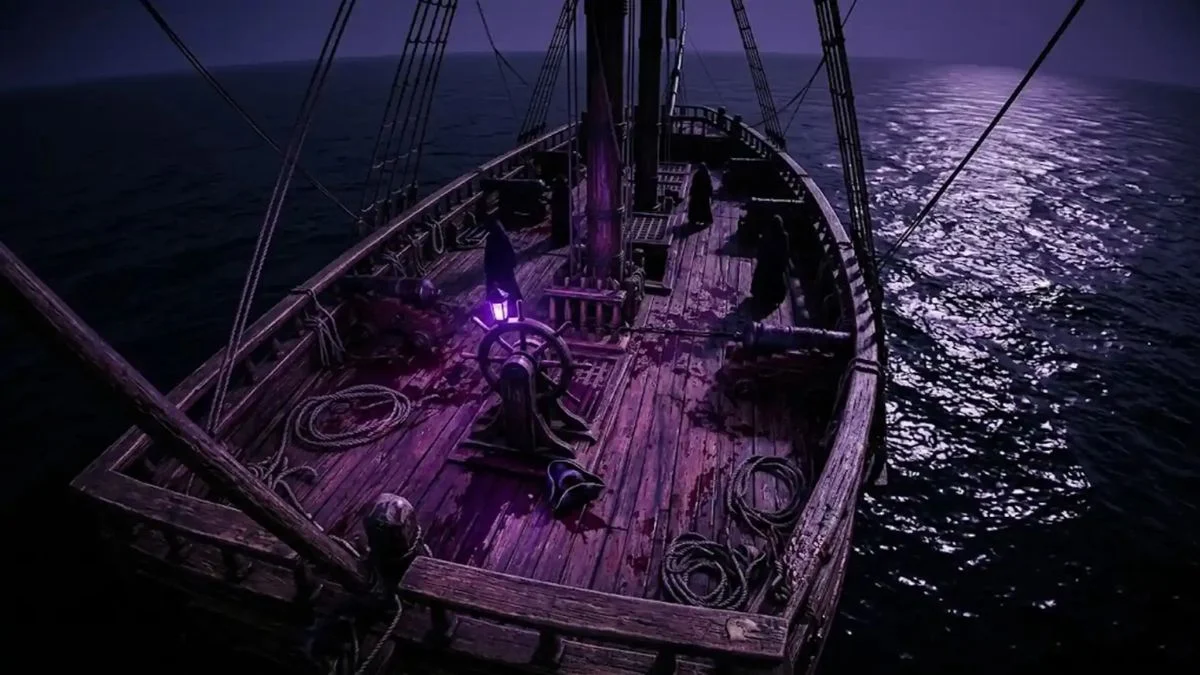
Windrose is one of the most visually impressive pirate survival games in Early Access right now, and sometimes you just want to soak in the world without health bars and hotkeys cluttering your screen. Whether you are going for a clean screenshot or simply want an unobstructed view of the seas, here is everything you need to know about hiding the UI in Windrose.
How to Hide the UI in Windrose
You can hide the UI in Windrose by pressing the backslash key ( \ ) on your keyboard. This removes the HUD from your screen and gives you a much cleaner view of the game world.
It is worth noting that this keybind is not listed anywhere in the official keybindings menu, which is why so many players do not know it exists. The shortcut works, however it is not a polished or fully finished feature in the current build of the game.

Backslash vs Forward Slash: Which Key Is It?
A lot of the confusion around this feature comes from players mixing up the two slash keys. The correct key is backslash ( \ ), not forward slash ( / ). However, the forward slash ( / ) has also been reported as working for some players, so it is worth testing both if one does not respond on your keyboard.
| Key | Symbol | Does It Work? |
| Backslash | \ | Yes, most widely confirmed |
| Forward Slash | / | Reported by some players |
If neither key is responding, the issue may come down to your keyboard layout.
Keyboard Layout Issues
On non-US keyboard layouts, particularly European layouts, the backslash key sits in a different physical position than it does on a standard English keyboard. For some layouts, the correct key sits to the left of the right Shift key rather than where you would expect backslash to be on a US layout.
If you have tested both slash keys and neither works, one confirmed workaround is to temporarily switch to an English keyboard layout on your PC, then try the shortcut again. It is not the most elegant solution, but it works for players whose regional layout conflicts with the default bind.

Known Issues With the HUD Toggle
The hide UI feature in Windrose is functional but not fully stable in its current Early Access state. Several issues have been reported after toggling it:
- Menus may stop behaving normally after the HUD is hidden
- Opening the map can result in a black screen instead of the normal map view
- The shortcut is not listed in the keybindings menu, making it easy to miss entirely
Because of these issues, the HUD toggle is best treated as a temporary tool for screenshots or quick clean views rather than a setting you leave on during normal gameplay. If you plan to keep playing after hiding the HUD, be prepared for potential interface problems.
Can You Resize the Hotbar in Windrose?
No. Currently there is no option to resize the hotbar in Windrose. Players looking for a way to make the hotbar smaller or reduce screen clutter during normal play have not found a working setting for this. It is a separate issue from the HUD toggle, and the hide UI shortcut does not solve it since turning off the full HUD creates other interface problems.
This is a commonly requested feature from the community, so it may arrive in a future update as the game continues through Early Access development.

The Short Version
To hide the UI in Windrose, press the backslash ( \ ) key. The shortcut works but is not listed in the keybindings menu and can cause menu and map issues if you leave it toggled during gameplay. For non-US keyboard layouts, the key position may differ. Currently, there is no hotbar resize option available in the game.


Leave a Reply