

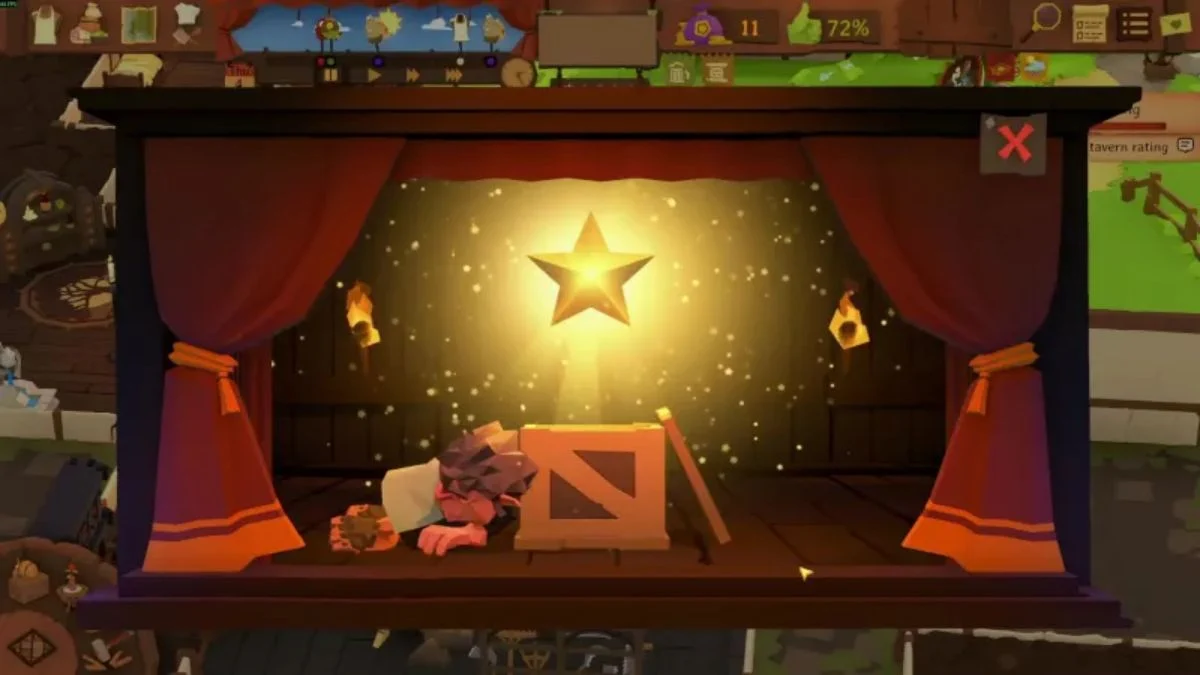
The Stage is one of Tavern Keeper’s exciting features, allowing your tavern to host performances and events that boost your tavern’s charm. If you’ve been wondering why you can’t build it despite having high tavern ratings, here’s everything you need to know.
Freeplay Mode: Unlocking the Stage
In Freeplay Mode, unlocking the Stage is tied directly to your tavern’s rating. Once your tavern reaches 2 stars, the Stage becomes available for construction. This milestone ensures you’ve established a successful base before adding performance areas.
Steps to Unlock in Freeplay
- Maintain a high tavern rating by satisfying customers and improving rooms.
- Once your tavern hits 2 stars, check your build menu for the Stage option.
- Place the Stage in a suitable area of your tavern to start hosting events.
Story Mode: Unlocking the Stage
In Story Mode, the Stage is unlocked through specific events or tasks. Unlike Freeplay, it may not appear immediately in your build menu, even with full ratings. Completing the relevant Story events will trigger its availability.
Tips for Story Mode
- Keep an eye on Story prompts and tasks; some unlock features only when you complete them.
- If you don’t see the Stage after reaching the required milestones, review your Story objectives to ensure all prerequisites are met.
Key Takeaways
- Freeplay Mode: Reach a 2-star tavern rating to unlock the Stage.
- Story Mode: Unlock through designated events in the storyline.
- Always check your build menu after hitting milestones or completing tasks.
By understanding the differences between Freeplay and Story modes, you can unlock the Stage efficiently and start hosting entertaining performances that enhance your tavern’s reputation.
More Trending Guides:


Leave a Reply