

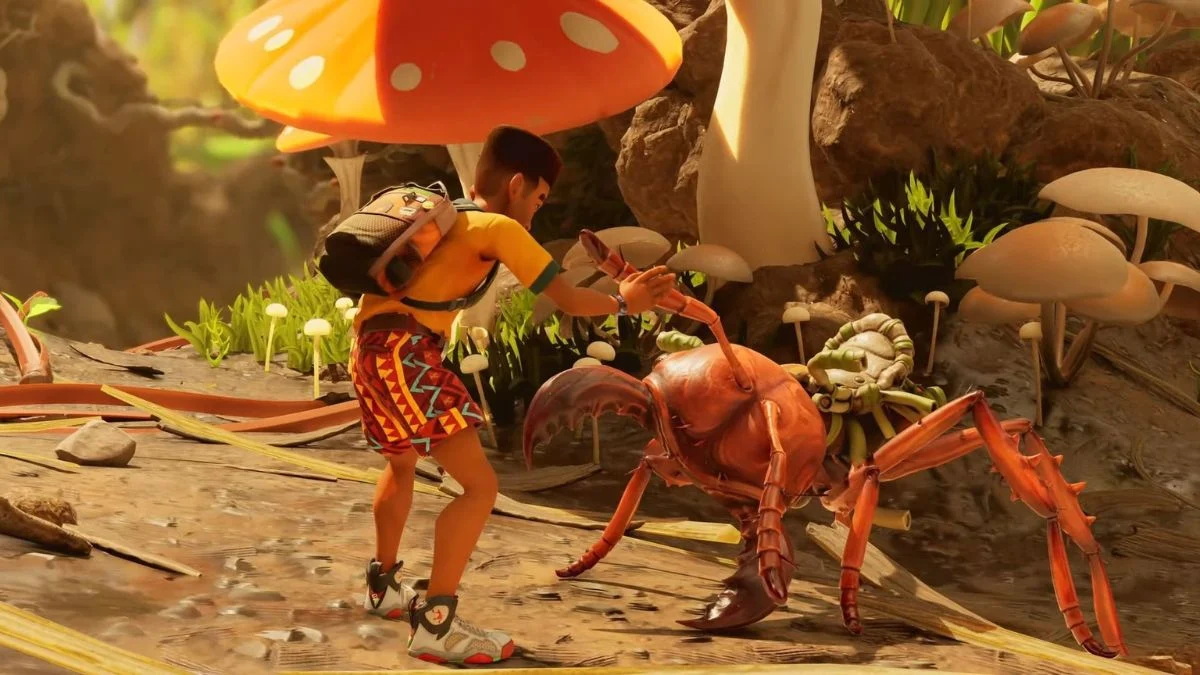
Surviving the backyard feels less overwhelming when you share the danger. Grounded 2 leans heavily into cooperative play, so it makes sense that crossplay stands near the top of your checklist before jumping in. The good news is that the game handles crossplay clearly, with a few important limits you should understand before you and your friends shrink down again.
This guide focuses entirely on how crossplay and cross-platform progression work in Grounded 2, without detours or guesswork.

Grounded 2 Crossplay Explained
Yes, Grounded 2 supports crossplay, but only within Microsoft’s ecosystem.
If you play on PC or Xbox Series X or S, you can team up regardless of which of those platforms you use. A player on PC can join a session hosted on Xbox, and an Xbox player can drop into a PC-hosted world. The multiplayer experience stays consistent across both platforms.
To enable this, you must sign in with a Microsoft account. Once logged in, the game allows you to invite friends across PC and Xbox without extra setup. Crossplay stays integrated into the core multiplayer flow rather than feeling like an added feature.
At launch and during early access, Grounded 2 does not support PlayStation or Nintendo platforms. That also means there is no crossplay involving PS5 or Switch at this time. Future platform releases remain possible, but nothing official confirms them yet.
What Platforms Can Actually Play Together
To keep expectations grounded, here is how compatibility currently works:
- PC and Xbox Series X or S players can play together
- Steam and Microsoft Store PC players can join the same sessions
- PlayStation players cannot join PC or Xbox players
- No crossplay exists outside the Microsoft ecosystem
If you and your friends already play within PC and Xbox, you are covered. If your group splits across PlayStation and Xbox, the game does not bridge that gap yet.
Cross-Platform Progression and Saves
Grounded 2 supports cross-platform progression, but only under specific conditions.
If you access the game through Xbox Game Pass or purchase it via the Microsoft Store, your save data syncs between PC and Xbox. You can start a session on Xbox, switch to PC later, and continue exactly where you left off as long as you use the same Microsoft account.
Steam versions do not support cross-progression. If you buy the game on Steam, your saves stay locked to that platform and do not sync with Xbox or Microsoft Store PC versions.
This approach mirrors Microsoft’s broader Play Anywhere initiative rather than offering universal cross-save support.
Why Microsoft Account is Important?
Microsoft accounts sit at the center of Grounded 2’s multiplayer design. They handle friend lists, invitations, crossplay matchmaking, and save syncing for supported versions.
Without signing in, you lose access to crossplay and shared progression. With it, multiplayer feels seamless across supported platforms. This requirement may feel restrictive, but it keeps matchmaking stable and consistent.

Will Grounded 2 Add More Crossplay Later?
Right now, Obsidian has not confirmed crossplay beyond PC and Xbox. Based on how the first Grounded rolled out, broader platform support could arrive after early access or at full release. That said, nothing guarantees PlayStation crossplay even if a PS5 version launches later.
If crossplay across all consoles matters to you, it makes sense to wait for official announcements rather than assumptions.


Leave a Reply