

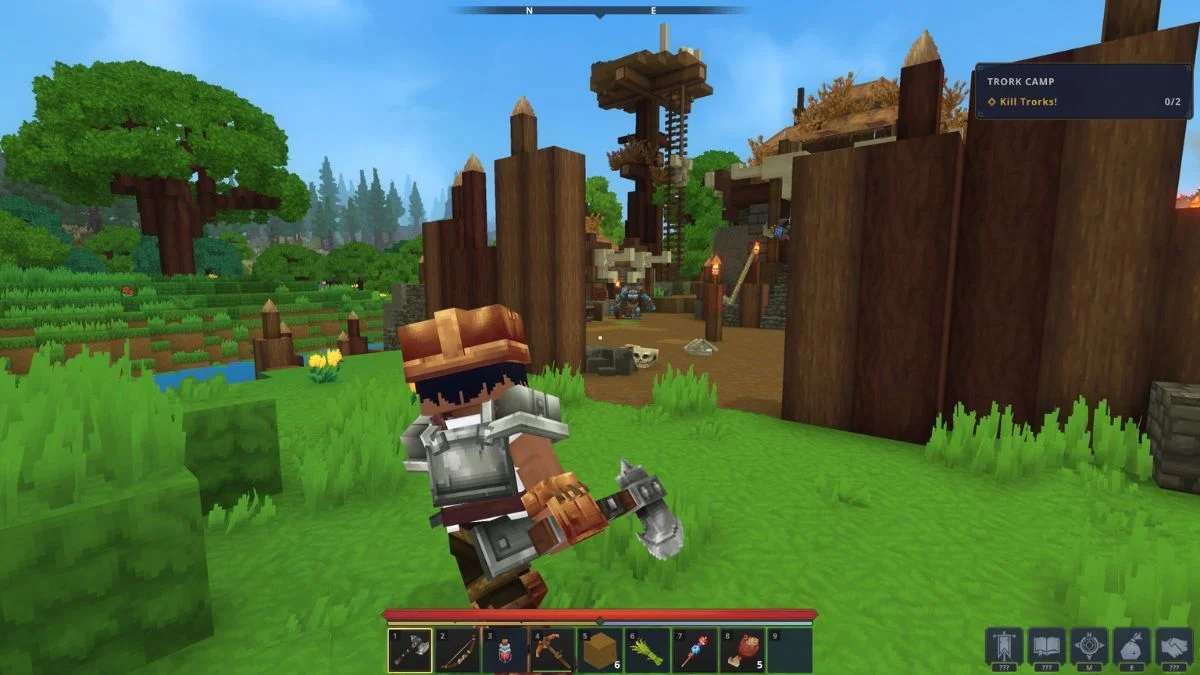
Armor plays a visible and deliberate role in Hytale. While character customization allows you to shape your identity through clothing and appearance, armor currently takes priority the moment you equip it. If you are wondering whether you can hide armor visuals while keeping the stats, the answer depends entirely on how you play and whether you use mods.
This guide explains what is possible right now, why the system works this way, and what changes may arrive in future updates.

How Armor Visibility Works Right Now
In the current early access build, Hytale does not offer any in-game option to hide armor. Every equipped piece replaces your character’s visual layer immediately. Helmets, chest armor, leggings, and boots all override clothing and cosmetic choices without exception.
There is no toggle in the settings menu, no keybind, and no world option that alters this behavior. If you equip armor, everyone can see it, including you.
Why You Cannot Hide Armor in Vanilla Gameplay
Armor visuals serve a clear gameplay purpose. Hytale treats visible equipment as important information, especially during combat encounters. When you see another player or NPC, their armor communicates strength, readiness, and threat level at a glance.
This design choice favors clarity over cosmetic freedom. By keeping armor visible, the game avoids confusion in co-op and PvP situations where quick visual reads matter. Right now, that priority outweighs personal style.
The Helmet Exception and What May Change
Among all armor pieces, helmets cause the most friction. They hide facial features, hairstyles, and head accessories that define your character. Because of this, developers have acknowledged player feedback around helmet visibility.
A helmet hide option appears to be the most realistic future addition. It preserves character expression while keeping most armor readable. Full armor hiding or transmog systems have not been confirmed and remain unlikely for vanilla gameplay.
If changes arrive, they will likely roll out in small steps rather than as a full cosmetic overhaul.
Using Mods to Hide Armor
If you play solo or on a mod-enabled server, mods already solve the problem.
Common mod features include:
- Toggling armor visibility by individual slots
- Keeping armor stats active while showing normal clothing
- Switching visuals through menus or commands
Mods give you flexibility, but they come with limits. They do not work on vanilla-only servers, and many players prefer an unmodified experience during early access. Mods also vary in stability and compatibility depending on updates.
Vanilla vs Modded Armor Visibility
| Feature | Vanilla Hytale | Modded Hytale |
| Hide all armor visuals | No | Yes |
| Hide helmet only | No | Yes |
| Keep armor stats | No | Yes |

Choosing Between Style and Survival
Right now, Hytale asks you to wear your power openly. If you care more about performance, armor gives clear advantages but locks your appearance. If style matters more, you may choose lighter gear or delay armor upgrades.
As customization systems evolve, armor visuals may soften around the edges, starting with helmets. Until then, the choice remains simple and visible.


Leave a Reply