

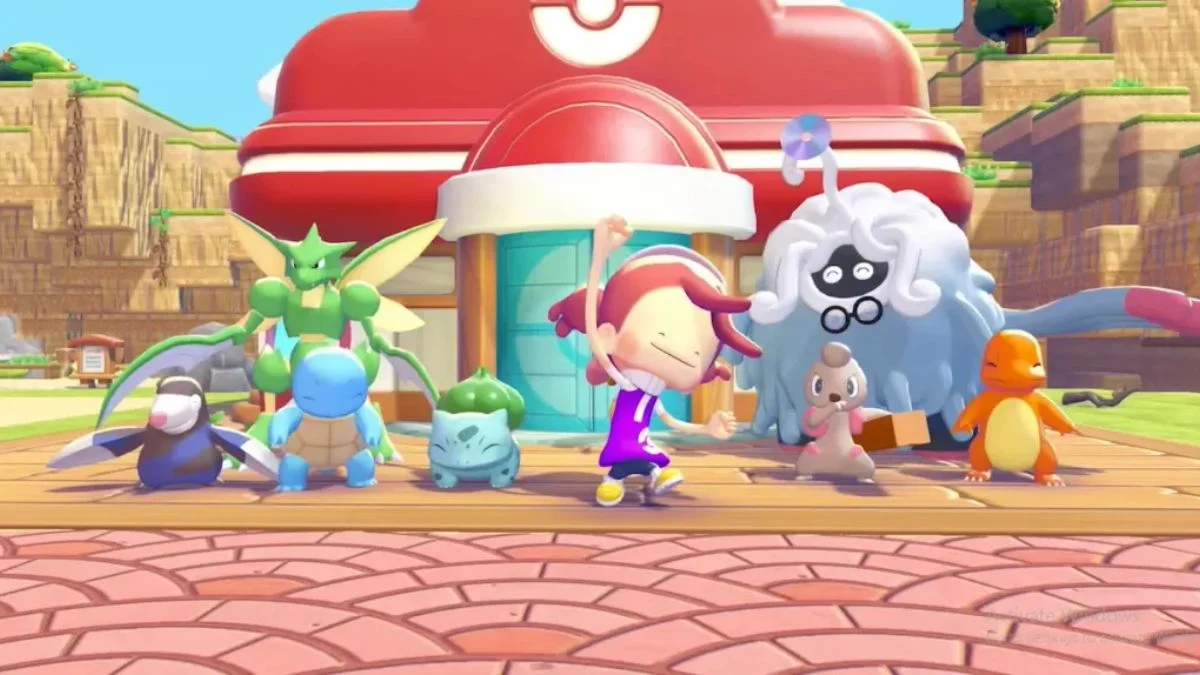
Pokémon Pokopia just received its third patch since launching on Nintendo Switch 2, and Version 1.0.3 is the most comprehensive update yet. If you have been running into missing Pokémon, dark screens, or progression blocks in Bleak Beach or the Sparkling Skylands, this is the update that addresses all of it. Here is a complete breakdown of everything fixed and improved.
When Did the Pokémon Pokopia 1.0.3 Update Release?
Version 1.0.3 released on April 8, 2026, and is available to download now for all Nintendo Switch 2 owners. The patch notes are sourced directly from Nintendo’s official support page.
| Detail | Info |
| Game | Pokémon Pokopia |
| Update Version | 1.0.3 |
| Release Date | April 8, 2026 |
| Platform | Nintendo Switch 2 exclusive |
| Developer | Omega Force |
| Publisher | Nintendo |
| Game Price | $69.99 (US) / £66.99 (UK) |
Update History: How Does 1.0.3 Compare to Previous Patches?
Pokémon Pokopia launched on March 5, 2026, and has received three patches in roughly five weeks:
- Version 1.0.1 released on March 3, 2026, addressing early launch issues ahead of general availability.
- Version 1.0.2 released on March 17, 2026, tackling progression blockers in Withered Wasteland and Bleak Beach, along with a Pokédex type listing error for Spinarak.
- Version 1.0.3, released April 8, 2026, is the most wide-ranging patch so far, addressing the largest number of distinct bugs across the most areas of the game.
Pokémon Pokopia 1.0.3 Patch Notes
Here is every fix and improvement confirmed by Nintendo, exactly as listed in the official patch notes:
Improvement (partially addressed):
- In some cases, Pokémon whose habitats have disappeared cannot be found even when searching for them using the Search function in the Pokédex. This issue has been improved, though it is noted as a partial fix rather than a complete resolution.
Fully resolved bugs:
- When traveling to a Dream Island under certain circumstances, players arrived at Palette Town with no way to return to their original town.
- When moving between towns or when the in-game date changed, the screen remained dark, making the game difficult to operate.
- Performing certain actions made it impossible to relocate Pokémon habitats.
- Construction carried out in a particular way caused building projects to stall until the in-game date changed.
- In Bleak Beach, certain actions prevented progress during the request “Power up the charging station!”
- In the Sparkling Skylands, certain actions caused the Pokémon assisting with construction to be removed, blocking progress on the request to rebuild the huge building.
- On Cloud Islands, certain actions caused seasonal Pokémon to vanish from both the town and the Cloud Island.
- When creating a new Cloud Island, an error occurred that prevented the island from being created at all.
Partially fixed:
- Performing certain actions caused the controller to vibrate continuously. This has been partially addressed and is now less likely to occur, however it has not been fully eliminated.
Why These Fixes Matter
Several bugs in this patch were full progression blockers, meaning players had no way to advance through certain requests without workarounds. The Bleak Beach charging station request and the Sparkling Skylands building request both fall into this category, as hitting the wrong sequence of actions left players completely stuck.
The Cloud Island creation error was also significant. Cloud Islands are central to the game’s later content, offering seasonal Pokémon and community-shared islands accessible via custom codes. Players who could not create a new Cloud Island were effectively locked out of a core feature.
The dark screen bug was one of the most disruptive quality-of-life issues, since it triggered during both town transitions and date changes, which are among the most frequent actions in the game. Having the screen go dark during these moments made basic navigation unnecessarily frustrating.
The Pokédex habitat search fix is worth noting in context. It is listed under improvements rather than full fixes, which means it resolves many instances of the problem but may not cover every possible scenario where a displaced habitat causes a Pokémon to disappear from search results. Players who regularly work with large numbers of Pokémon, particularly those filling crowded endgame islands, should keep this in mind.
How to Install the Pokémon Pokopia 1.0.3 Update
If your Nintendo Switch 2 is connected to the internet with Software Auto-Updates enabled, the update will download and install automatically. However, if you prefer to install it manually, follow these steps:
- From the HOME Menu, select the Pokémon Pokopia icon without launching the game.
- Press the + Button or the – Button on your controller.
- Select “Software Update”, then “Over the Internet”.
Important notes:
- This update must be installed to access the game’s online features.
- A Nintendo Switch Online membership is required for online play.
- All players in a shared session must be on the same software version to play together.
- Your save data remains fully intact after the update.
Quick Reference
| Bug Fixed | Area Affected |
| Pokémon missing from Pokédex Search | General (partial fix) |
| Dream Island travel sending players to Palette Town | Dream Islands |
| Dark screen during town transitions or date changes | All towns |
| Inability to relocate Pokémon habitats | General |
| Building projects stalling until date change | General |
| Progression block in “Power up the charging station!” | Bleak Beach |
| Construction Pokémon disappearing from building request | Sparkling Skylands |
| Seasonal Pokémon vanishing from towns | Cloud Islands |
| Error preventing new Cloud Island creation | Cloud Islands |
| Controller vibrating continuously | General (partial fix) |


Leave a Reply