

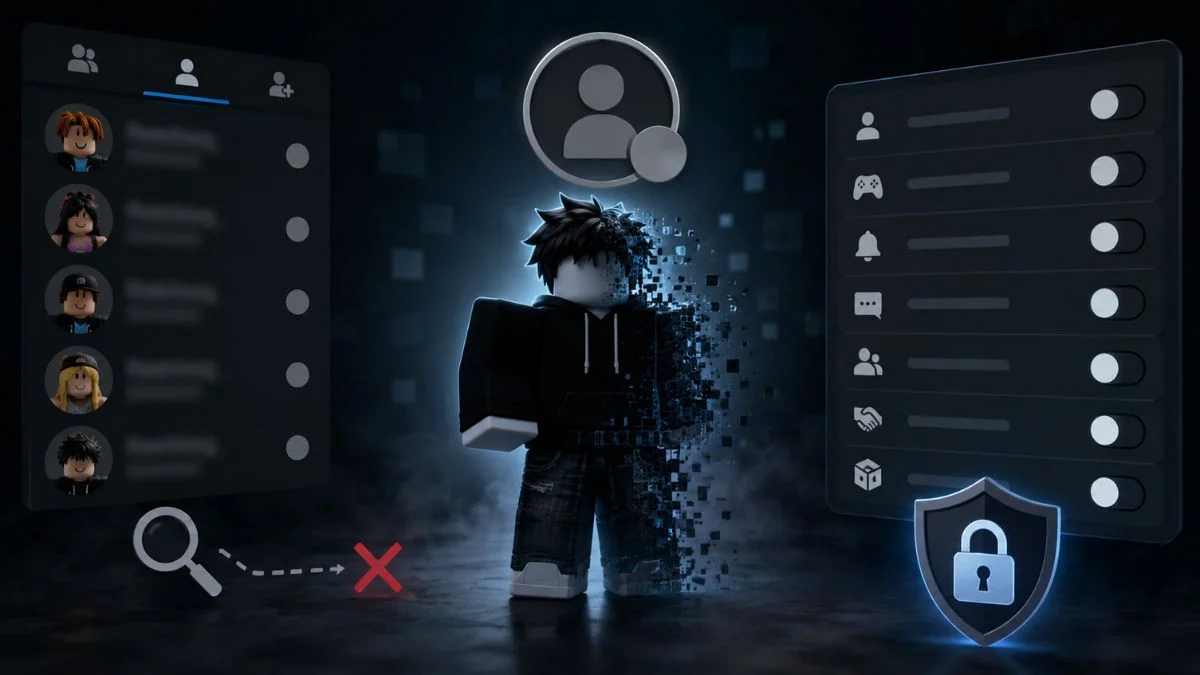
When I first went looking for a way to appear offline on Roblox, I expected a simple toggle, the kind you’d find on Discord or Steam. What I found instead was that Roblox no longer offers anything that clean, and it turned out to be my introversion’s nightmare!
But after careful digging, I found out something. While there is no single “offline” switch anymore, Roblox gives you a set of visibility controls that can help. When combined correctly, it gets you very close to invisible.
Roblox has also been rolling out other chat-related changes worth knowing about if privacy is your priority. To know more, read our article Roblox New Chat Summary Feature Explained: What It Is and Is It Safe?
So, without wasting any second, let’s get to it right away.
So, Can You Actually Appear Offline on Roblox?
Yes, but remember this comes with an important caveat. So, basically, you can make yourself appear offline to specific users by adjusting your online status visibility. Roblox’s own settings confirm that anyone outside your selected visibility preference will see you as offline on your profile or in their Friends list.
However, this is not full platform-wide invisibility. If you join a public server, other players in that same session can still see your avatar, username, and chat messages. The offline setting controls your profile and Friends list visibility, not your presence inside an active game.
Setting Your Online Status
So, this is how you can control who sees you as online:
- Go to Settings (the gear icon on desktop, or tap More then Settings on mobile)
- Open Privacy & content restrictions
- Go to Visibility & private servers
- Select Visibility
- Under Online Status, choose your preferred level. Depending on your age and region, your options may include friends, followers, users you follow, no one, or everyone
- Select No one for the strongest offline-style setting

Another releated pick:
Is Roblox Shutting Down in 2026? Here Is What Is Actually Happening
Hiding What You’re Playing
Appearing offline is only half the picture; if you are a private person like me, you also might want to hide your game history from your friend list. You can also hide which specific experience you’re in, separate from your general online status:
- Go to Settings, then Privacy & content restrictions
- Open Visibility & private servers, then Visibility
- Find Show current experience
- Choose your preferred visibility level, with No one being the most private option
Why One Setting Isn’t Enough
Here’s the part that tripped me at the beginning: changing only your online status barely makes a difference on its own. The real shift happens once you lock down every related setting together, not just one. That means combining online status, current experience visibility, and your join and communication permissions all at once.
For a genuinely private setup, you need to review each of these settings:
| Setting Area | Recommended Option |
| Online Status | No one |
| Show current experience | No one |
| Share activity updates | Off |
| Experience chat | Off |
| Direct chat | Off |
| Join/follow permissions | No one |
| Trades and inventory visibility | No one |
So, turning off Share activity updates specifically stops friends from receiving notifications about your recent in-experience activity, which is easy to overlook if you only focus on the Online Status toggle.
Roblox has also introduced a separate verification system for managing who can connect with you. To know more, read our tutorial How to Get Trusted Connections in Roblox 2026 – QR Code & Age Verification Tutorial
Stopping People From Joining You
Here is yet another issue: even with your status hidden, someone can still join your session if your permissions allow it. Roblox explicitly notes that players can follow another user into an experience if that user is currently playing and permits it. So beyond hiding your status, check your Connections & Contacts settings and restrict who can follow or join you, alongside limiting trading and inventory visibility if those options are available on your account.
Want to take a break from Roblox? Here’s the guide for you:
How to Delete Your Roblox Account Permanently in 2026 (Step-by-Step Guide)
What This Setup Cannot Hide
Even after locking everything down, there are still a few details you cannot hide:
- Your avatar and username inside a server you’ve actually joined
- Your chat messages in that server
- Your public profile information
- Your groups or communities
- Your public creations and marketplace items
So if your goal is complete privacy, pair these settings with cautious behavior, avoid joining random public servers if you want to stay under the radar, and don’t share your activity with people you don’t fully trust.
If in-experience chat and voice settings feel confusing to navigate, there’s a dedicated breakdown for that too. To know more, read our guide How to Enable Voice Chat on Roblox in 2026 (Full Guide & Fix)
If You’re on Xbox
So, the console actually adds another step. Setting your Xbox profile to Appear Offline only hides you from your Xbox friends list. It has no effect inside Roblox itself. You still need to apply the same in-game privacy settings on top of the Xbox-level change, or you’ll remain visible within Roblox regardless of your console status.
The Nuclear Option: A Second Account
If you are already frustrated by the prospect of following so many steps, you can do something that will guarantee complete isolation. Just create a second Roblox account with no friends, as I did.
It gives you a completely private space where nobody has any way of knowing you’re online. The obvious tradeoff is that you lose access to your main account’s items, progress, and inventory while using it, so this only makes sense for distraction-free sessions rather than everyday play.
Parents managing a child’s account should also be aware of other safety and spending controls beyond simple visibility. To know more, read our guide Roblox Chat and Spending Concerns: How to Protect Your Child’s Account
Whether you’re playing from the US, the UK, or anywhere else, the naked truth is this: Roblox doesn’t offer true invisibility anymore, but its visibility controls, used together rather than individually, get remarkably close. Lock down your online status, current experience visibility, activity sharing, chat permissions, and join settings all at once, and most players will have no way of finding or interrupting you.

Leave a Reply