

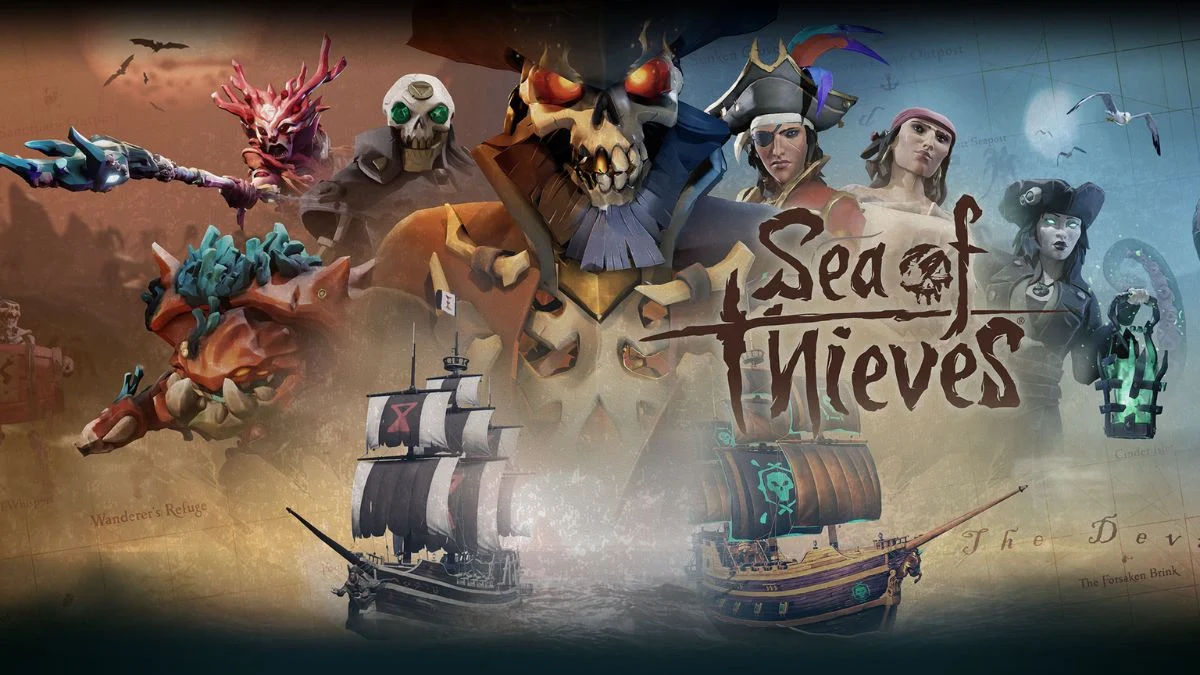
Sea of Thieves thrives on shared adventure. Every voyage feels richer when friends can sail together, no matter the device they use. This leads to a common and important question: is Sea of Thieves crossplay?
Sea of Thieves fully supports cross-platform play, allowing players across consoles and PC to crew up in the same world. This guide explains how crossplay works, which platforms it supports, how progression carries over, and what limitations you should know before setting sail.

Sea of Thieves Crossplay
Sea of Thieves supports cross-platform multiplayer across all its active platforms. Players on Xbox, PC, Steam, and PlayStation 5 share the same servers and can join the same sessions. The game enables crossplay by default, so most players never need to adjust settings to play together.
This design keeps the seas populated and unpredictable, which fits the game’s cooperative and competitive spirit. Naval combat, treasure hunts, and world events rely on active servers, and crossplay ensures a steady flow of crews.
Supported Platforms for Cross-Platform Play
Sea of Thieves currently supports crossplay across the following platforms:
- Xbox One and Xbox Series X|S
- Windows PC via the Microsoft Store
- Windows PC via Steam
- PlayStation 5
There is no PlayStation 4 version. All supported platforms connect to the same online ecosystem, which means a player on an Xbox One can sail with someone on a PlayStation 5 or a PC without restrictions.
How Crossplay Works?
When you launch Sea of Thieves, the game automatically places you into shared servers. You can invite friends across platforms through the in-game Friends menu, provided everyone links a Microsoft account. This account system acts as the backbone for crossplay, friend lists, and progression syncing.
Mixed crews work seamlessly. Controller players and mouse-and-keyboard players can occupy the same ship. The game balances core mechanics around teamwork rather than raw aim, which keeps encounters fair and skill-focused.

Platform-Specific Matchmaking Options
While crossplay stays enabled by default, some platforms offer limited control over matchmaking preferences.
- Xbox consoles allow players to prefer matchmaking with console players using controllers. This option still includes PlayStation 5 users who play with controllers.
- PlayStation 5 players can disable crossplay entirely or limit sessions to console players through the Options menu. Turning off crossplay reduces the available player pool and may increase queue times.
- PC players cannot disable crossplay or restrict input types. They always join the shared matchmaking pool.
These options exist to support player comfort rather than to divide the community.
Cross-Save and Cross-Progression Explained
Crossplay works alongside full cross-save and cross-progression. Your pirate’s journey follows you across platforms when you use the same Microsoft account.
Progress that carries over includes:
- Character level and reputation
- Commendations and Tall Tales progress
- Seasonal Renown
- Gold, Doubloons, and Ancient Coins
- Most cosmetic items
You can start playing on Xbox, continue on PC, and later log in on PlayStation 5 without losing progress. This continuity plays a major role in making Sea of Thieves feel like a single persistent world.
What Does Not Transfer
While progression transfers smoothly, a few limitations remain.
- No cross-buy. You must purchase Sea of Thieves separately on each platform. Owning it on Xbox does not unlock it on PlayStation or Steam.
- Platform-exclusive cosmetics stay locked to their original platform. Items tied to specific console promotions do not transfer.
- Subscription requirements differ. Xbox players need Game Pass Core or Game Pass for online play. PlayStation 5 players need PlayStation Plus for multiplayer modes. PC players do not need a subscription beyond owning the game.
These restrictions relate to storefront policies rather than technical limitations.

Account Linking Requirements
To use crossplay and cross-progression, you must link a Microsoft account.
- Xbox and Microsoft Store PC players already use one by default
- Steam players sign in with a Microsoft account at launch
- PlayStation 5 players link a Microsoft account when starting the game
Once linked, the process remains permanent unless manually changed through official support.


Leave a Reply