

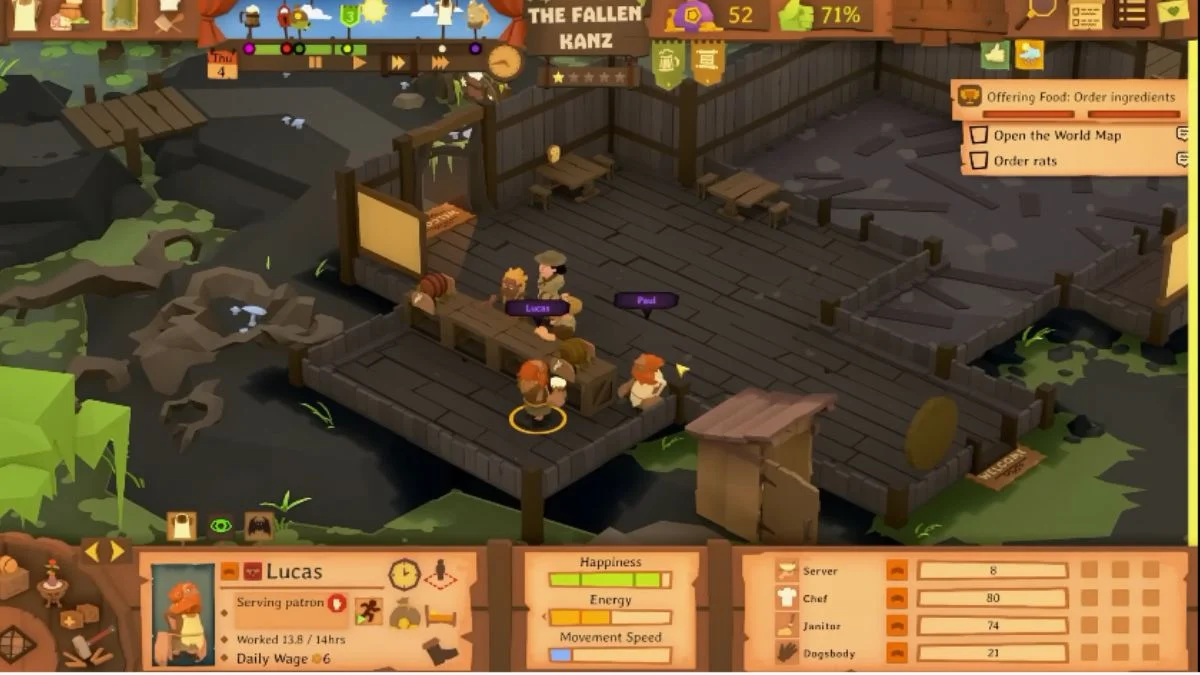
Running a tavern in Tavern Keeper is more than just serving ale and building cozy rooms — it’s about managing people. Your employees are the heart of your business, and when they’re unhappy, your profits (and your peace) take the hit. Learning how to set worker schedules in Tavern Keeper is the key to balancing efficiency and morale.
This guide walks you through everything you need to know — from unlocking the Staff Schedule Board to assigning roles, managing hours, and keeping your workers happy while your tavern thrives.
Unlocking the Staff Schedule Board
Before you can begin assigning specific work hours, you’ll need to unlock the Staff Schedule Board. Here’s how:
- Complete the tutorial to understand the basics of tavern management.
- Reach a one-star rating — this unlocks access to advanced management tools.
- Construct the Staff Schedule Board, which becomes available once you hit that milestone.
- Place the board inside a hallway or your staff room for easy access.
- Build lockers in the staff room so your employees have a proper place to prepare for shifts.
Once the board is built and placed, it becomes your command center for all scheduling needs.

Setting Worker Schedules in Tavern Keeper
Now that the Staff Schedule Board is ready, you can begin organizing your workers’ time and roles. Follow these steps:
- Interact with the Staff Schedule Board to open the scheduling interface.
- Select a worker from the menu that appears.
- Review their traits, specialization, and tier level. Each worker has unique strengths and preferences — ignoring them can lead to dissatisfaction.
- Assign a role that aligns with their natural skills (for example, cooks in the kitchen, servers at the counter, cleaners in the hall).
- Adjust their work hours according to your tavern’s rhythm — some may prefer shorter shifts or late-night work.
- Confirm the schedule and repeat the process for other staff members.
Important: Don’t confuse the Staff Schedule Board with the Room Schedule Board.
- The Room Schedule Board adjusts room availability (when areas like the bar or kitchen are active).
- The Staff Schedule Board manages individual worker hours and roles.
To customize your employees’ actual working hours, make sure you’re using the correct board.
Why Worker Scheduling Matters
An efficient schedule doesn’t just improve workflow — it protects your tavern’s atmosphere. Overworked or unhappy staff can cause chaos:
- Unhappy employees may start stealing, breaking things, or even quitting.
- Poorly assigned roles can slow service, frustrate customers, and hurt your star rating.
- Balanced shifts and role assignments keep morale high, reduce turnover, and boost profits.
A thoughtful schedule is the invisible ingredient that keeps your tavern running like a well-poured pint.
Customizing Roles and Generalists
Not every worker fits neatly into one box. Some are Generalists — flexible employees who can take on various roles depending on your needs. Here’s how to customize their work:
- Open the Staff Schedule Board and select a Generalist.
- Toggle the checkboxes beneath their icon to enable or disable specific tasks.
- Adjust their working hours for each selected role.
- Fine-tune their schedule based on personality traits and stamina.
This allows you to create hybrid schedules — for instance, having a Generalist clean rooms in the morning and serve drinks in the evening. It’s a perfect balance between flexibility and structure.
More Trending Stories:


Leave a Reply