

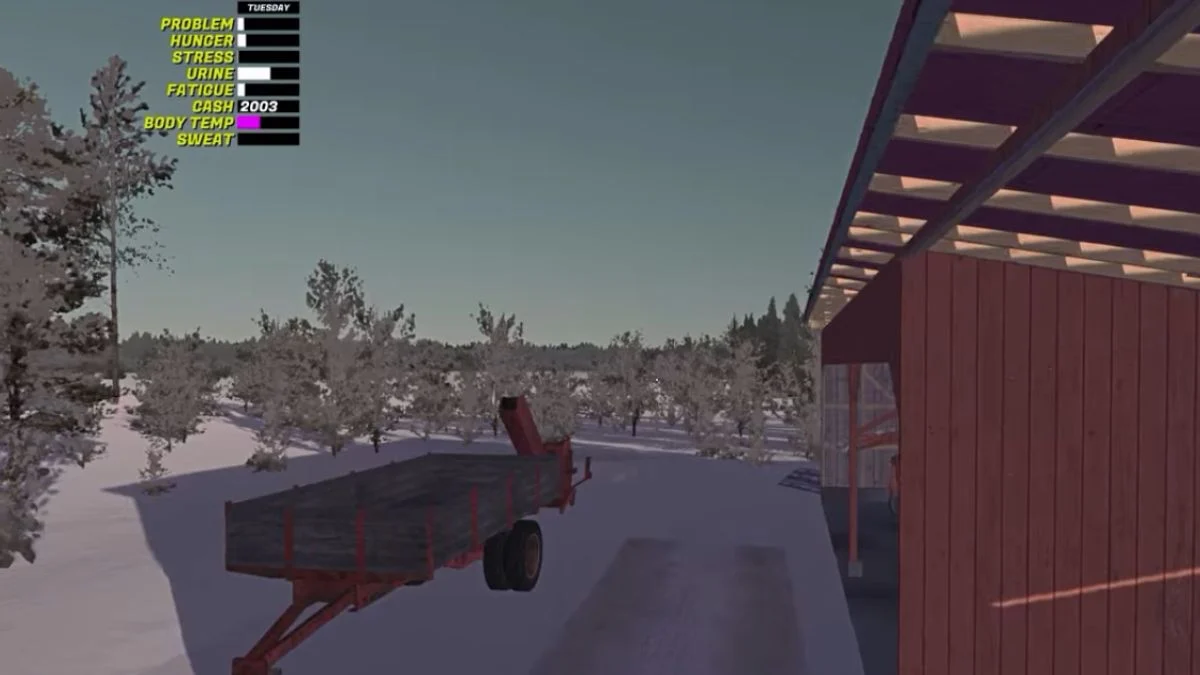
Firewood becomes one of the most steady sources of income in My Winter Car, and the Firewood Cutter sits at the center of that process. The cutter looks simple at first glance, yet many players struggle to attach it, power it, or get logs to feed through correctly. The game expects precise alignment and a bit of tractor knowledge, so the whole setup feels confusing until you understand the sequence.
This guide walks you through the steps in a clean and practical way, so you can move from staring at the cutter to running a fully powered wood operation.
Step 1: Position the Kekmet Tractor Correctly
The cutter stays anchored to the ground until the Kekmet connects to it. You need to drive the tractor close enough that the attachment arms line up with the cutter’s hitch point. A wide gap creates a loose or unusable connection, so ease the tractor back inch by inch.

You do not need to hit the cutter with the tractor. Instead, aim for a clean, tight alignment. When the distance feels natural and the arms sit behind the rear hitch of the cutter, step out of the tractor.

Step 2: Lower the Attachment Arms
The attachment arms rest high by default, so you must lower them before anything can connect. On the right side of the tractor, you will find the hitch lever. Pull it to lower the arms. This brings them down to the exact height of the cutter’s connection point.
With the arms lowered, walk behind the Kekmet and look for the clickable point on the cutter. When aligned well, you should see the prompt appear. If it does not show up, your tractor likely needs to be backed up a little more.

Step 3: Attach the Cutter to the Tractor
Once the clickable point appears, interact with it. The cutter should snap onto the tractor in a clear and direct motion. If you hear a connection sound and see the cutter lift slightly, you know the attachment succeeded.
Players often struggle here because even a small misalignment prevents the prompt from appearing. The game rewards precision, so take your time rather than forcing the tractor back and forth too quickly.
Step 4: Engage the PTO to Power the Cutter
The Power Take Off lever sits to the left of the Kekmet’s steering wheel. Pull it to engage the shaft that drives the conveyor and splitting mechanism. When the PTO remains inactive, the cutter stays silent no matter how well you aligned it.

The cutter’s speed depends on your RPM. High RPM gives faster cutting but drains fuel and tires the tractor sooner. Low RPM keeps the operation steady and quiet. Choose the pace that suits your workload.
Step 5: Start Splitting Logs
Once the cutter receives power, walk to the log pile. You can pick up the large logs the same way you pick up smaller ones for axe chopping. Place a log into the cutter’s slot. The machine will pull it in and split it into pieces at a speed based on your tractor’s RPM.

The conveyor carries the firewood directly into your trailer. This works only if the trailer sits close enough to catch the pieces. If firewood spills onto the ground, reposition the trailer before trying again.

Common Issues and How to Avoid Them
The cutter will not attach
This usually happens due to alignment. Bring the tractor closer and make sure the hitch arms sit at the right height. Lowering the arms is essential.
The PTO does not activate
Check your positioning inside the tractor and confirm the tractor is running. The PTO only powers up with the engine active.
Logs will not move
If the splitter appears silent, the PTO is likely off or the RPM is too low. Increase the throttle slightly and watch for movement.
You cannot pick up big logs
These logs work just like smaller ones. You can pick them up by interacting with them directly.
More Trending Game Guides:


Leave a Reply