

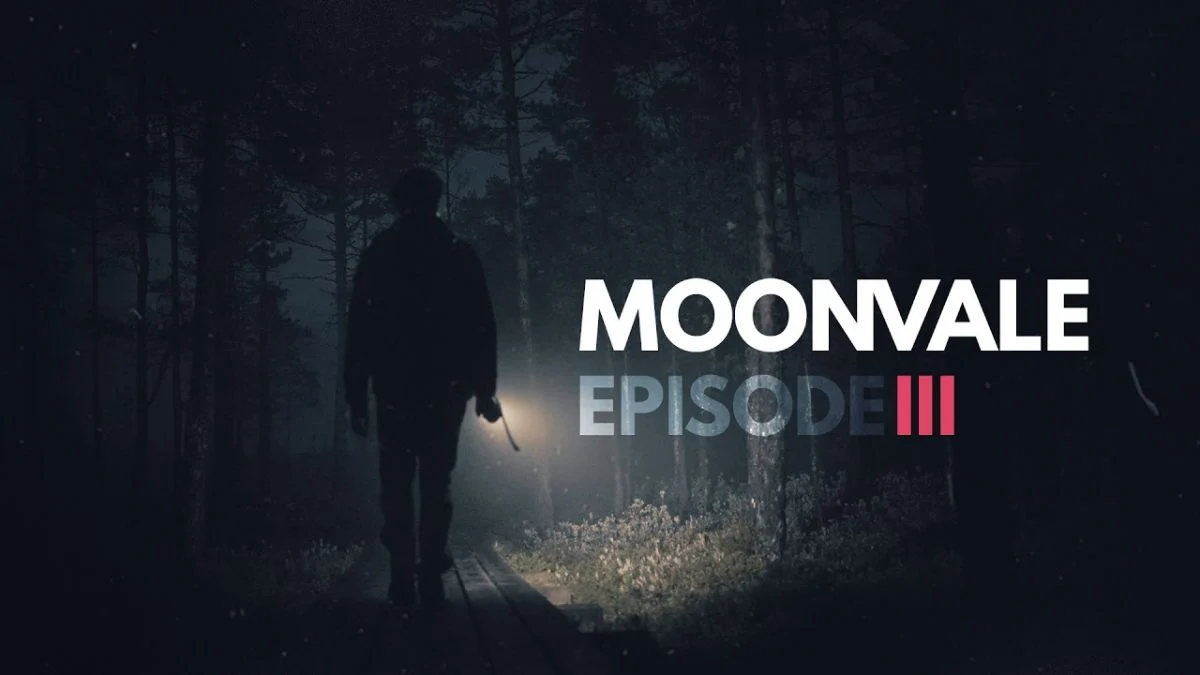
Everbyte just dropped Moonvale Episode 3, and the excitement across the community is off the charts. The new episode takes players back to Redlog Pines, and fans who have been waiting for the next chapter of the mystery are finally getting their hands on it. However, not everyone can jump in right away, and if you are staring at your phone wondering why nothing has updated, you are far from alone.
Moonvale Episode 3 — Key Details
| Detail | Information |
| Episode | Moonvale Episode 3 |
| Developer | Everbyte |
| Available on | Android (Google Play) and iOS (App Store) |
| Update method | Manual update via Google Play or App Store |
| Requirement | Episode 2 must be completed before Episode 3 unlocks |

Why Some Players Cannot Access Episode 3 Yet
This is the question filling comment sections and the Moonvale subreddit right now. Everbyte addressed it directly in their official announcement:
“You don’t see the update yet? Please understand that there may be delays in publication depending on the platform and country.”
So if the update has not appeared for you yet, it is not a bug on your end. Platform rollouts, particularly across iOS and the App Store, do not always go live simultaneously worldwide. Android players on Google Play have generally seen the update first, while a significant number of iOS users across multiple countries are still waiting for it to appear.
Players from Germany, Brazil, and several other regions have flagged in comments that they have not yet received the update, confirming this is a widespread rollout delay rather than an isolated issue.
What to Do While You Wait
Everbyte has shared specific guidance for players dealing with the update delay. Follow these steps carefully, particularly the warning about uninstalling:
1. Close the app completely
Do not just minimise it. Fully close Moonvale before attempting anything else.2. Check for the update manually
Open the Google Play Store or App Store and search for Moonvale. If the update is available in your region, it will show as an update option on the app page.3. Update your device’s operating system
Everbyte specifically recommends making sure your phone runs the latest version of Android or iOS available for your device. An outdated OS can sometimes block app updates from appearing.4. Do NOT uninstall the app
This is the most important instruction from the developer. Everbyte has explicitly warned:“If you’re facing any issues when installing, do not uninstall the application or you will lose your progress.”
If you uninstall Moonvale while troubleshooting, you risk losing all your saved game data. Hold off and wait for the update to become available in your region instead.


The One Requirement Before You Can Play
Even once the update lands on your device, there is one condition you need to meet before Episode 3 becomes accessible:
You must have Episode 2 fully completed.
If you have not finished Episode 2 yet, now is a great time to do so while waiting for the rollout to reach your region.
New Moonvale Episode 3 Trailer
Alongside the Episode 3 launch, Everbyte released a new trailer giving players a glimpse of what awaits in Redlog Pines. The video opens with two young boys trespassing into the forest. Other sequences feature scenes of Adam, Eric, and possibly new characters. Unlike the pre-release trailer that focused on the Duskwood side story, this trailer stays true to Moonvale lore.

Tips While You Wait for the Update
Keep checking the App Store or Google Play periodically. Regional rollouts can go live at any hour, so checking every few hours is more effective than checking once and giving up.
Do not force-quit and reinstall. As Everbyte confirmed, this risks losing your progress entirely. Patience is the safer option here.
Follow Everbyte’s official channels. Their Instagram account at @everbytestudio is the fastest place to catch any further updates or announcements about the rollout status.
Join the r/Moonvale subreddit. Other players are actively posting when the update goes live in their region, so community reports there can give you a heads-up before you even check your own device.


Leave a Reply