

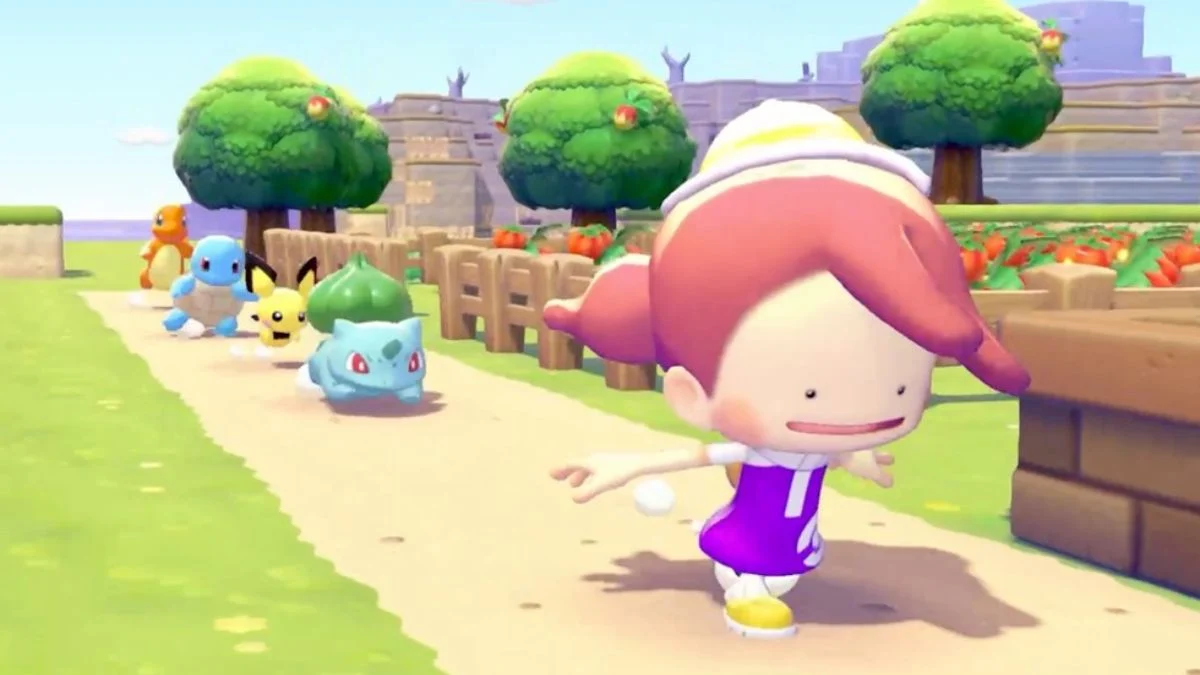
Free items are always welcome in Pokémon Pokopia, and the game’s Mystery Gift system is one of the easiest ways to pick them up. Whether it is a piece of furniture to brighten up your island or some handy resources to get you started, Mystery Gifts give you a little extra on top of what you earn through regular play. The system unlocks fairly early in the game, and redeeming rewards takes only a minute once you know where to go. Here is a full rundown of every active Pokémon Pokopia Mystery Gift code in March 2026 and exactly how to claim them.
All Active Pokémon Pokopia Mystery Gift Codes – March 2026
| Mystery Gift | How to Redeem | Expiry Date |
| P0K0P1AGARDENS | Get with Code/Password | TBD |
| Ditto Rug | Get via Internet | January 31, 2027 at 23:59 UTC |
There are no expired Mystery Gift codes in Pokémon Pokopia at the time of writing.
What Are Mystery Gifts in Pokémon Pokopia?
Mystery Gifts in Pokémon Pokopia are free in-game rewards distributed by The Pokémon Company. They can include furniture, food, and materials, and are typically available for a limited time. Some gifts are available to all players via the internet, while others use unique codes sent directly to individual players. Either way, both methods require your Nintendo Switch 2 to be connected to the internet, though you do not need a Nintendo Switch Online membership to claim them.
How to Unlock Mystery Gifts in Pokémon Pokopia
The Mystery Gift feature does not unlock immediately at the start of the game. You need to make a small amount of story progress first. Specifically, you need to complete at least one challenge at the Pokémon Center PC in the starting area of Withered Wasteland.
Here is how it unlocks step by step:
- Follow Professor Tangrowth to the old human structure near the beginning of the game
- Professor Tangrowth accidentally turns on the Pokémon Center PC, giving you access to the first set of challenges
- Complete at least one challenge from the PC menu
- After doing so, check back at the PC and a new “Get Items” option will appear alongside the Shop menu
- Select “Get Items” and then scroll down to find “Mystery Gifts”
- Select either “Get via Internet” or “Get with Code / Password” option based on the code type.
On average, this unlocks around 30 minutes into the game, so you will not have to wait long before you can start claiming rewards.
How to Redeem the Ditto Rug via the Internet
The Ditto Rug does not require a code and is available to all players directly through the internet until January 31, 2027 at 23:59 UTC.

- Step 1: Approach any PC outside a Pokémon Center and press A to interact with it.
- Step 2: Select “Get Items” from the menu.
- Step 3: Scroll down and select “Mystery Gifts”.
- Step 4: Choose “Get via Internet”.
- Step 5: Your Nintendo Switch 2 will connect to the internet and display all currently available gifts. Select the Ditto Rug and wait for it to download.

How to Redeem Pokémon Pokopia Mystery Gift Codes via Code/Password
While there are no active code-based gifts right now, this method applies whenever a unique code becomes available, such as those distributed via Nintendo emails or official Pokémon social media accounts.

- Step 1: Approach any PC outside a Pokémon Center and press A to interact with it.
- Step 2: Select “Get Items” from the menu.
- Step 3: Scroll down and select “Mystery Gifts”.
- Step 4: Choose “Get with Code/Password”.
- Step 5: Enter your 16-character code into the text box and press A to confirm.
- Step 6: Wait for the gift to finish downloading and enjoy your reward.
Note that codes sent via Nintendo emails or social media replies are unique to each player and cannot be shared. Additionally, you can only redeem or download one Mystery Gift at a time, so if you have multiple to claim, you will need to go through the process separately for each one.
How to Check Your Claimed Mystery Gifts
If you want to keep track of which Mystery Gifts you have already collected, you can select the “Check Mystery Gifts” option from the Mystery Gifts menu at any Pokémon Center PC. This displays a full list of all gifts you have received so far, which is handy if you are not sure whether you have already redeemed a particular reward.
Pokémon Pokopia Mystery Gift Codes: Quick Step List
| Redemption Method | Steps |
| Get via Internet | PC → Get Items → Mystery Gifts → Get via Internet |
| Get with Code/Password | PC → Get Items → Mystery Gifts → Get with Code/Password → Enter Code |
| Check Past Gifts | PC → Get Items → Mystery Gifts → Check Mystery Gifts |
Expired Pokémon Pokopia Mystery Gift Codes
| Mystery Gift | Expiry |
| Commemorative Gift Set (2x Leppa Berry, 2x Fresh Carrot, 2x Beans) | Expired |
Key Takeaways
- The only active Pokémon Pokopia Mystery Gift right now is the Ditto Rug, available for free via the internet until January 31, 2027 at 23:59 UTC
- Mystery Gifts unlock after completing at least one challenge at the Pokémon Center PC, roughly 30 minutes into the game
- An internet connection is required to redeem all Mystery Gifts, but a Nintendo Switch Online membership is not needed
- To claim the Ditto Rug, go to any Pokémon Center PC, select “Get Items”, then “Mystery Gifts”, then “Get via Internet”
- You can only redeem one Mystery Gift at a time, so claim them one by one if you have multiple to collect
- Use “Check Mystery Gifts” at the PC to see a full list of rewards you have already claimed
- This article will be updated as new Mystery Gift codes for Pokémon Pokopia become available


Leave a Reply